

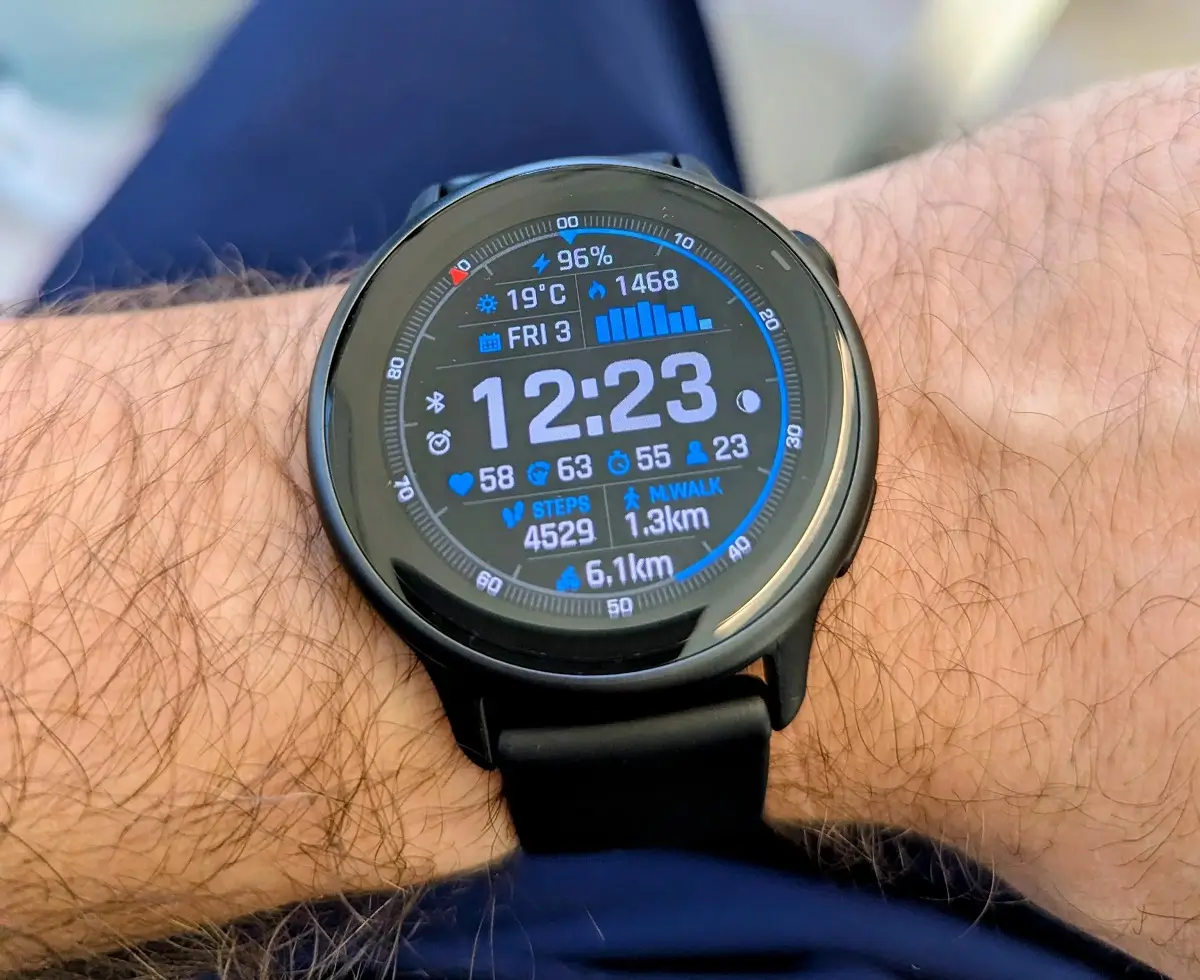
Garmin has officially released a comprehensive beta software refresh for the Vivoactive 6, bringing the version number up to 17.16. This latest build is packed with a mix of functional upgrades, specifically targeting golfers and fitness enthusiasts, while simultaneously addressing a long list of stability issues that have impacted the user experience in recent months.
New Premium Features and UI Enhancements
A standout addition in this firmware version is the expanded support for the Garmin Golf subscription. Users who subscribe will now see professional-grade data on their wrists, including green contour information and enhanced CourseView maps. The update also introduces PlaysLike distance, which factors in elevation to give a more accurate representation of how far a shot will actually travel.
Beyond the fairway, Garmin has tweaked the interface for better usability. A new swipe-up gesture from the bottom of the page now grants instant access to the keyboard layout menu, making text entry more efficient. Additionally, the developers have increased the duration of goal animations, giving users a longer moment to celebrate their daily achievements.
Stability Fixes for Fitness and Syncing
For those who use the Vivoactive 6 for rigorous training, version 17.16 resolves several frustrating bugs related to data management. A fix is now in place for activity file upload failures and issues where strength personal records or race events failed to sync correctly with Garmin Connect.
Swimmers and gym-goers will also notice improved logic during workouts. Specifically, a bug that caused pool swim sessions to skip active steps without user input has been patched. Furthermore, the rest timer countdown for strength training has been recalibrated to ensure the audible tones stay perfectly in rhythm.
Improved Notification Controls and System Reliability
This update introduces a dedicated setting to toggle vibration for smart notifications on or off, providing more control over how the watch alerts you. Garmin has also resolved a specific conflict that caused the watch to reset when receiving WhatsApp messages on paired iPhones.
Other critical technical fixes include:
-
Storage Performance: Resolves unresponsiveness on devices with high volumes of saved activity files.
-
Peripheral Connectivity: Fixes mass storage mounting issues when linked to inReach devices.
-
Input Accuracy: Eliminates “double number” entries when using the PIN pad.
-
Data Accuracy: Corrects sunset/sunrise fields on watch faces and ensures all activities are properly calculated into Body Battery scores.
Manual Installation Guide for Vivoactive 6
If you are part of Garmin’s Beta Program and haven’t received the automatic prompt, you can pull the update manually. To install version 17.16, navigate through the following menus on your smartwatch:
Main Menu > Settings > System > Software Update > Check For Updates
Also Read: Is the Garmin Fenix 9 Worth the Wait? My Deep Dive into the 2026 Rumors

