

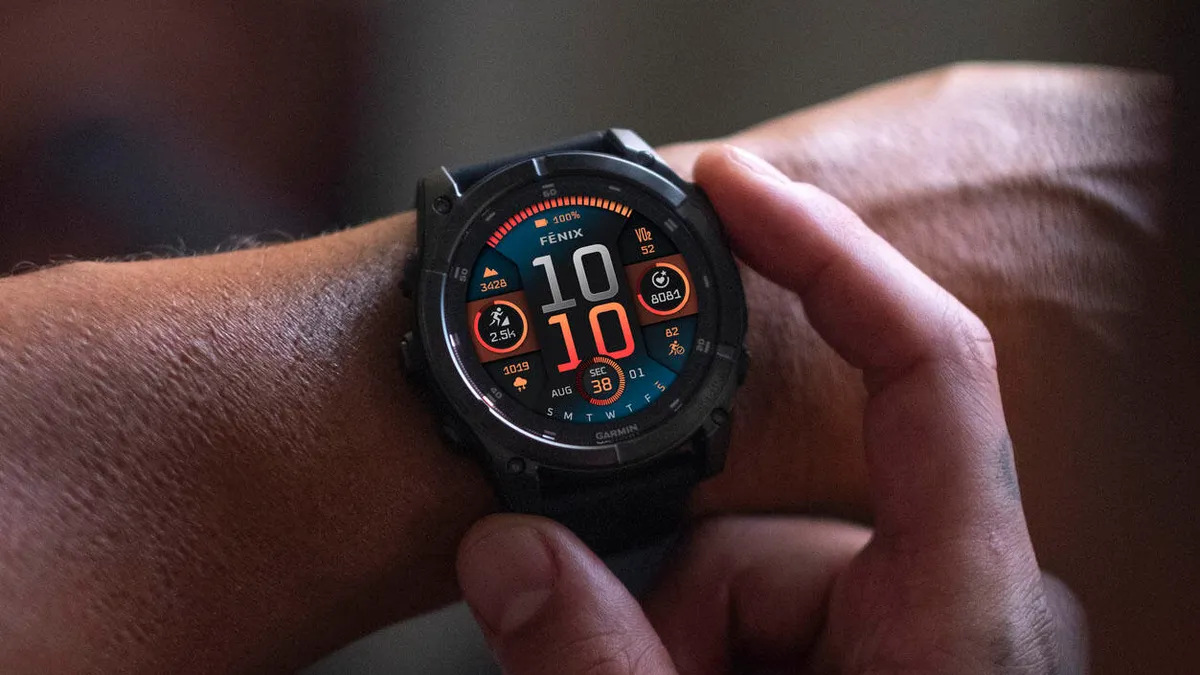
Garmin has started sending out a new stable software update for its Fenix 8 AMOLED smartwatches. The latest update comes with version number 23.40 and brings several important bug fixes to make the watch run more smoothly.
This release focuses on fixing critical issues that affected everyday usability, including problems with heart rate tracking and notification controls.
What’s Fixed in Version 23.40
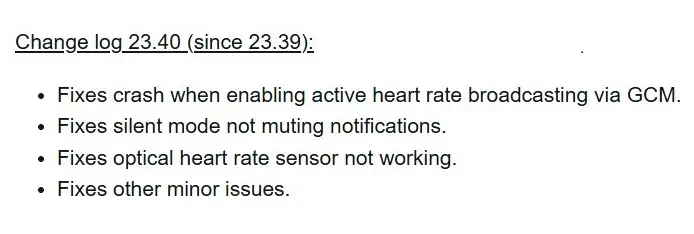
One of the major fixes in this release restores full functionality to the optical heart rate sensor, which previously stopped tracking data for some users. Additionally, Garmin resolved a critical system crash that occurred when users tried to turn on active heart rate broadcasting through the Garmin Connect Mobile app.
The update also fixes a frustrating bug with the smartwatch’s audio settings, ensuring that silent mode now properly mutes incoming notifications as intended. Beyond these primary fixes, Garmin included several smaller system tweaks to improve overall performance and device stability.
How to Get the Update
Garmin is gradually pushing this update to eligible watches, but users do not have to wait for the automatic download. You can manually install version 23.40 directly from your smartwatch.
To check for the software, open the Main Menu on your watch, select Settings, navigate to System, tap Software Update, and choose Check for Updates.
Also Read: Garmin Enduro 4 Officially Launches: Here Is What’s New and Everything You Need to Know

