

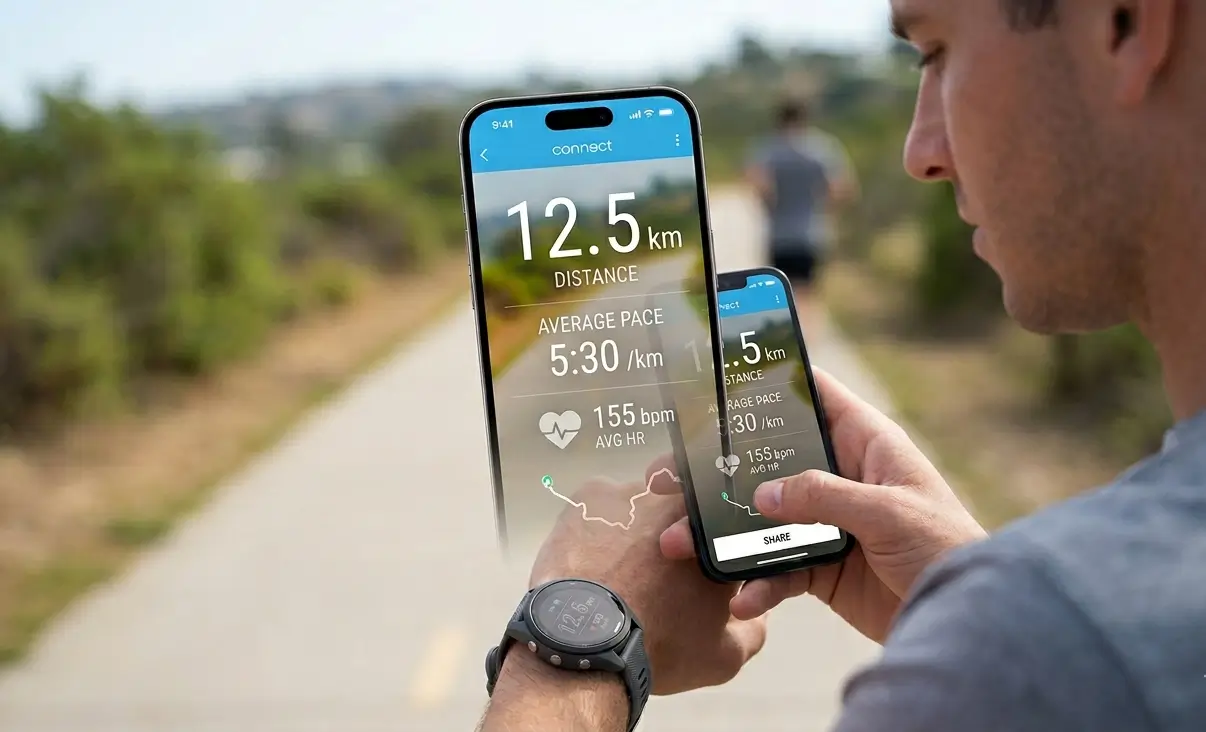
In the world of fitness tracking, the work doesn’t always end when you hit “save” on your watch. For many athletes, sharing the journey is a vital part of the process. Recognizing this, Garmin has rolled out a significant aesthetic update to its Connect app, introducing transparent data and map overlays that transform standard workout summaries into professional-looking social content.
A Modern Aesthetic for Post-Workout Sharing
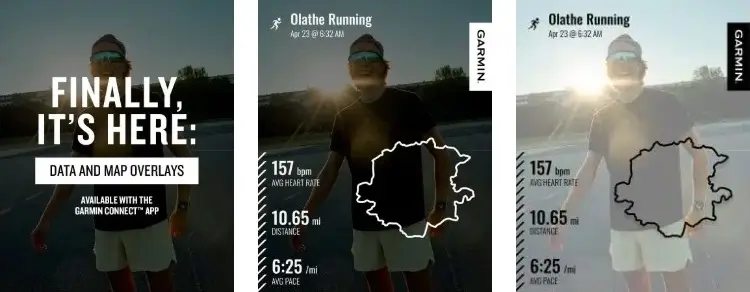
Gone are the days of posting clunky screenshots or using third-party apps to paste stats over your photos. Garmin’s latest feature allows users to layer their key metrics—such as distance, average pace, and heart rate—directly onto an image.
The standout change here is the transparency. Instead of housing data in solid, intrusive boxes, the new layouts allow your background photo to remain the focal point. By integrating the route map and performance stats seamlessly onto the image, Garmin provides a polished, minimalist look that feels more like a custom-designed graphic than a data export.
Optimized for Every Platform
Understanding that athletes share their progress across various digital spaces, Garmin has provided three distinct aspect ratios to ensure the perfect fit:
-
The 1:1 Square: The gold standard for classic Instagram feed posts and traditional social media grids.
-
The 4:5 Portrait: Designed for high-impact feed posts that occupy more vertical screen real estate.
-
The 9:16 Vertical: The ideal format for immersive Stories, TikToks, and Reels.
How to Create Your Own Overlay
Accessing these new designs is straightforward and integrated directly into the post-activity workflow. Once you have finished and saved a workout:
-
Open the activity within the Garmin Connect app.
-
Select the Share icon.
-
Choose from the variety of transparent layouts and aspect ratios.
-
Export the final image directly to your messaging apps or social media platforms.
Beyond the Data: Garmin’s Shift Toward Presentation
While Garmin has built its reputation on deep-dive analytics and “hard” training data, this update signals a subtle shift in the company’s philosophy. By improving how data is presented to the outside world, Garmin is acknowledging the “social” side of fitness.
While competitors like Strava have offered similar sharing cards for years, Garmin’s implementation brings this convenience directly into its own ecosystem. It bridges the gap between the technical data stored in the app and the visual storytelling that happens on social media, ensuring that your achievements look as impressive as the effort you put into them.
Also Read: My Garmin Forerunner 170 Wishlist: 5 Upgrades Garmin Can’t Afford to Skip

