

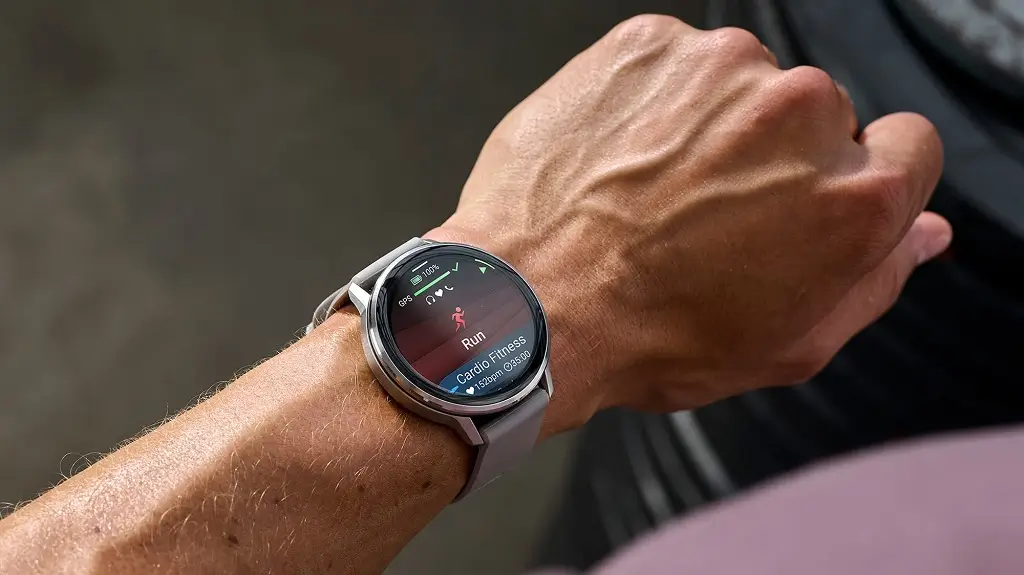
Garmin has started sending out a fresh beta update for the Venu 4 and Vivoactive 6. The new software, listed as version 18.27, focuses entirely on squashing bugs and making the watches run smoother. If you have been dealing with weird screen glitches, missing audio cues, or stubborn voice controls, this patch is meant for you.
Fixes for Screen and Display Problems
The biggest changes in this patch target the screen. Users who noticed the display acting up or ignoring wrist gestures should see those issues go away. Garmin also fixed a bug that prevented the always-on display feature from turning on, even when enabled in the settings menu.
Smoother Music and Sound Controls
Audio fixes take up a big chunk of this release. Adjusting the volume or pausing songs when controlling phone audio should now work without a hitch. The update also solves problems with missing button sounds and restores alert tones during incident detection, ensuring safety features sound off when needed.
Reliable Voice Assistant and Phone Calls
If you use your watch to talk to your phone’s voice assistant, things should feel much more reliable. Version 18.27 stops the assistant from ignoring your voice commands. It also fixes a glitch where the feature stopped working entirely after an incoming call cut it off.
Better Golfing and Audio Messages
For athletes and golfers, audio spectator messages will no longer get cut short or drowned out by background music. On the golf course, players will no longer have to wait through an annoying delay just to see the score prompt pop up.
How to Get Update 18.27
Garmin included translated text updates and various minor stability fixes in this build as well. To download it manually on your device, head to the main menu, tap Settings, select System, open Software Update, and tap Check For Updates.
Also Read: Garmin’s New Fenix 9 Pro Is Live on Amazon—Here Is What You Need to Know

