

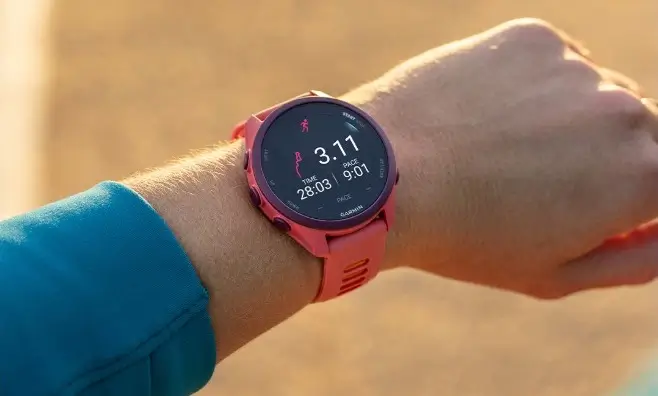
Garmin is rolling out a fresh software update for two of its latest GPS smartwatches, the Forerunner 170 and Forerunner 70. The new stable firmware arrives as version 9.21, bringing targeted fixes to improve everyday performance and display responsiveness.
Why this update matters for your watch
Software updates often introduce shiny new features, but version 9.21 is all about fixing annoying bugs and making your device run smoothly.
Specifically, this release targets the touch display. Some users were experiencing unpredictable screen glitches where the display would act up, freeze, or fail to register finger swipes and wrist gestures properly. This fix ensures the screen responds instantly and consistently whenever you check your stats during a run or navigate through menus.
How to download software version 9.21
Your watch will usually download and install stable updates automatically over Wi-Fi or when synced with the Garmin Connect app on your phone. However, if you want to get the latest fix immediately, you can trigger the update by hand directly on your device.
Follow these simple steps:
-
Press and hold the menu button to open the Main menu.
-
Scroll down and select Settings.
-
Go to System.
-
Select Software Update.
-
Tap Check for Updates to download and install version 9.21.
Also Read: Garmin Fenix 9 and Fenix 9 Pro Announced: Everything New in the Outdoor Flagships

