

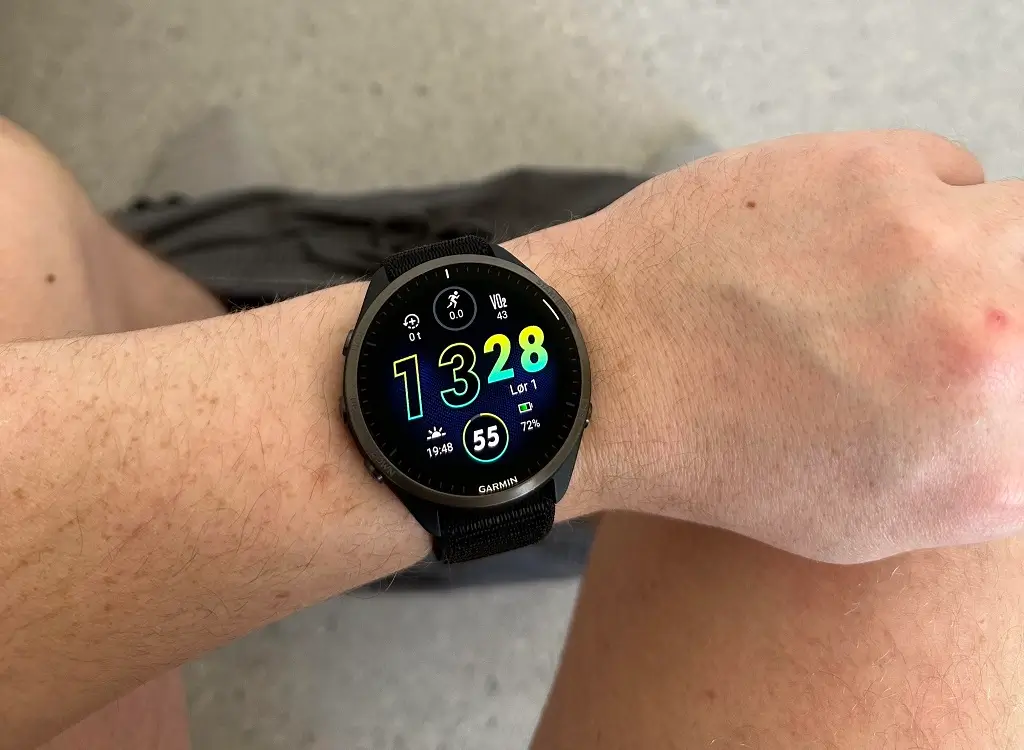
Garmin has started releasing a new stable software update for several of its popular running watches. The new software, officially labeled version 28.05, is rolling out to the Forerunner 165, 255, 265, 955, and 965 models. This update focuses heavily on squashing bugs and making sure the watches sync up smoothly with the mobile app.
Critical Syncing and Training Plan Fixes
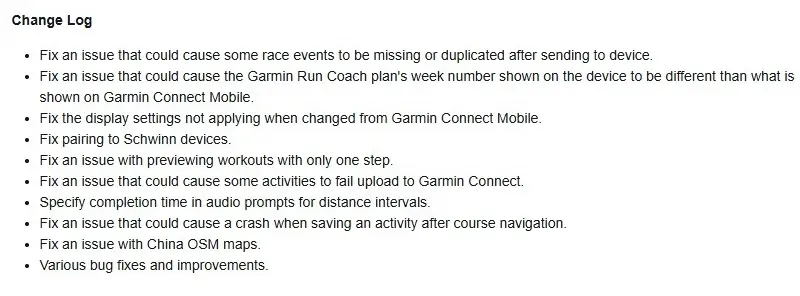
A big part of this update solves annoying communication issues between the watch and the Garmin Connect mobile app. For starters, runners using the Garmin Run Coach feature will no longer see mismatched week numbers on their wrists compared to their phones.
Garmin also fixed a glitch that caused race events to disappear or duplicate when sent to the watch. Additionally, any changes you make to your watch’s display settings through the phone app will now actually apply properly.
Better Workouts and Real-Time Audio
The software tweak brings a few small but helpful upgrades to daily training. If you like using audio prompts while you run, the watch will now tell you your exact completion time during distance intervals.
The update also fixes a bug that caused the device to freeze when trying to preview a workout that only had a single step.
Fixing Crashes and Connection Bugs
Several under-the-hood fixes are packed into this release to keep the watches from crashing. Garmin resolved a major issue where the watch would lock up right when a user tried to save an activity after using course navigation.
Cyclists using Schwinn training equipment will find that pairing their watch is now working again. Furthermore, a bug that blocked some finished workouts from uploading to Garmin Connect has been cleared up. The update also addresses map issues specific to China OpenStreetMap (OSM) data, alongside general performance tweaks. You can see the full change log in the picture below!
How to Get the Update Right Now
While the update is rolling out automatically, you do not have to wait for it to hit your device. You can force the download manually by opening the Main Menu on your watch, scrolling to Settings, selecting System, tapping Software Update, and hitting Check For Updates.

