

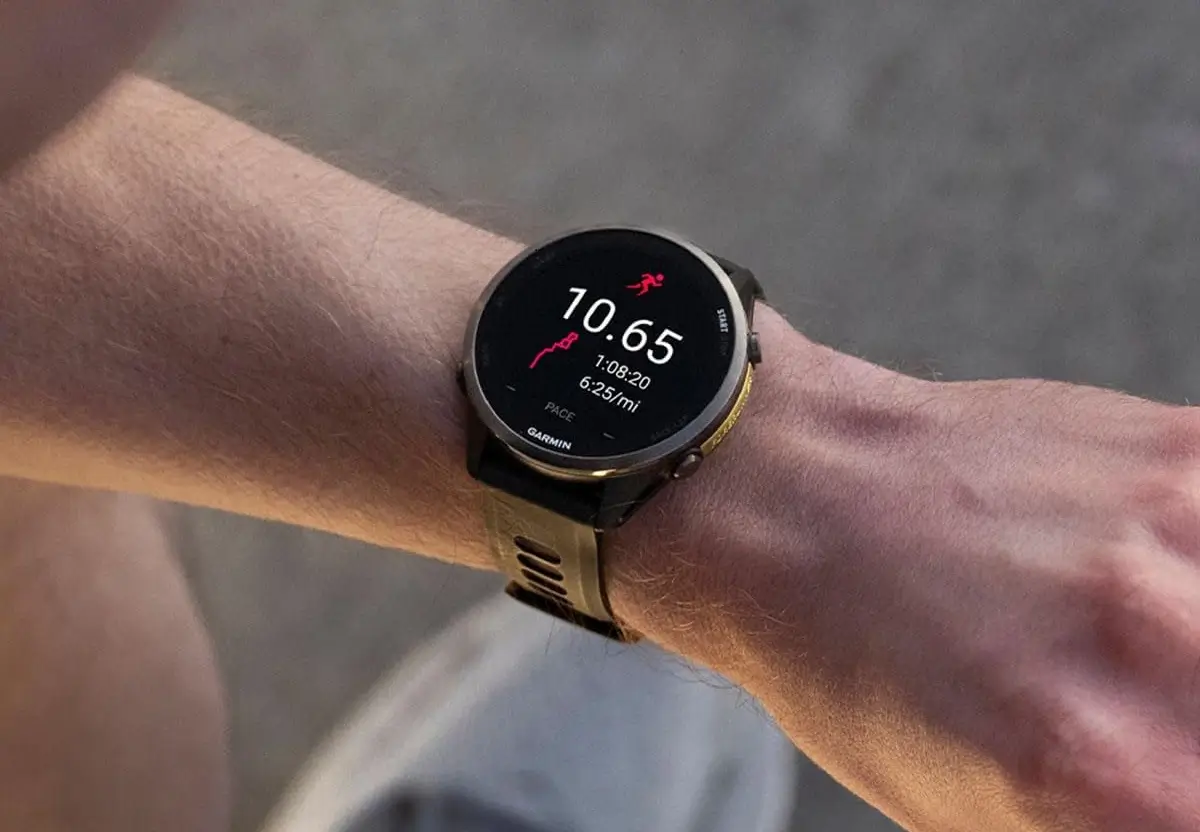
Garmin has started rolling out a fresh beta software update across several popular Forerunner models. The new version 18.29 brings targeted bug fixes to the Forerunner 970, 570, 170, 170 Music, and 70 smartwatches. While it is a relatively lightweight patch, it tackles a couple of annoying software glitches that slipped into previous builds.
Key Fixes and What to Expect
Across all five supported watches, this update addresses a stubborn issue with the alarm system. Previously, users who tried enabling the “quiet start” feature for their morning alarms found that the setting often failed to take effect. The 18.29 patch permanently resolves this bug while also applying a batch of minor system tweaks to keep the overall interface running smoothly.
For owners of the Forerunner 970, 570, and 170 Music, Garmin added one extra fix into the mix. This specific patch addresses a voice alert issue where audio prompts would still sound even when the smartwatch was explicitly switched to silent mode. With this fix in place, silent mode will now properly keep all voice notifications quiet.
How to Get Update 18.29 Right Now
If you are enrolled in Garmin’s beta testing program and want the new software immediately, you do not have to wait for the automatic over-the-air rollout. You can trigger the download manually right from your wrist.
To grab the update, open the Main Menu on your watch and head over to Settings. From there, navigate to System, tap on Software Update, and choose Check for Updates to start the installation.
Also Read: Garmin’s New Fenix 9 Pro Is Live on Amazon—Here Is What You Need to Know

