

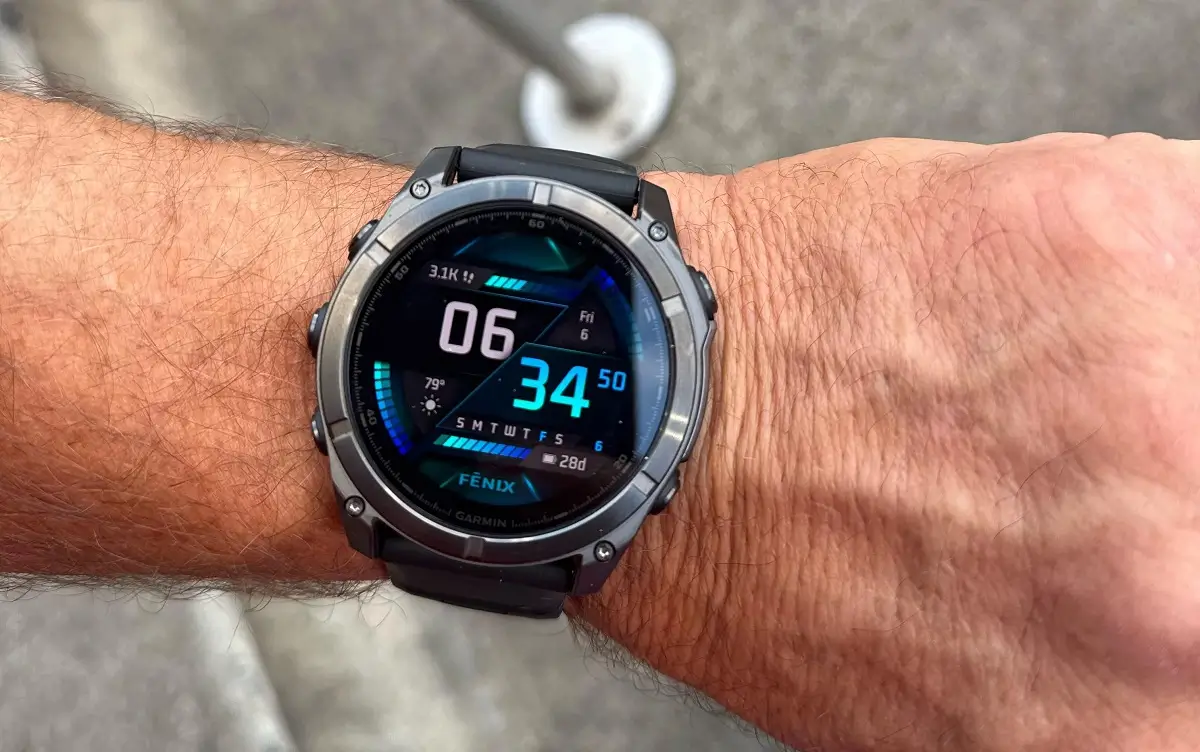
Garmin has launched a fresh beta software update, version 23.28, for its top-tier smartwatches. The fix targets popular outdoor and multisport devices, including the Fenix 8, Fenix 8 Pro, Fenix E, Quatix 8, Tactix 8, and Enduro 3 line.
Getting Your Music Back on Track
For many athletes, music is a crucial part of training, but recent software bugs left some users running in silence. This update fixes a widespread issue where music failed to play when using third-party Connect IQ apps like Amazon Music and Deezer. Installing version 23.28 restores normal playback so your playlists start without a hitch.
Quiet Modes Finally Work as Intended
Nothing ruins a quiet meeting or an early morning like an unexpected watch alert. The main focus of this beta cycle is fixing audio and notification behavior. Garmin resolved an annoying bug that allowed voice alerts to sound off even when the watch was switched to silent mode. Additionally, a secondary issue where the “quiet start” setting for silent alarms failed to trigger has also been resolved.
Smoother Golf Map Navigation
Golfers get a welcome usability upgrade in this release as well. Earlier software versions caused touch controls to freeze or ignore inputs when trying to drag around course layouts. The update restores touch-to-pan functionality on golf maps, allowing players to check distances and hazards across the green without control delays.
Background Performance and Fixes
Beyond the headline changes, Garmin packed a collection of smaller system tweaks into this build. These minor fixes target general software stability, background processing, and battery usage across all compatible watch lines to keep everyday performance snappy.
How to Get the Update
While the patch is rolling out automatically to enrolled beta testers, you can grab it right away on your wrist. Go to Main Menu > Settings > System > Software Update and tap Check for Updates to download version 23.28 manually.
Also Read: Garmin’s New Fenix 9 Pro Is Live on Amazon—Here Is What You Need to Know

