

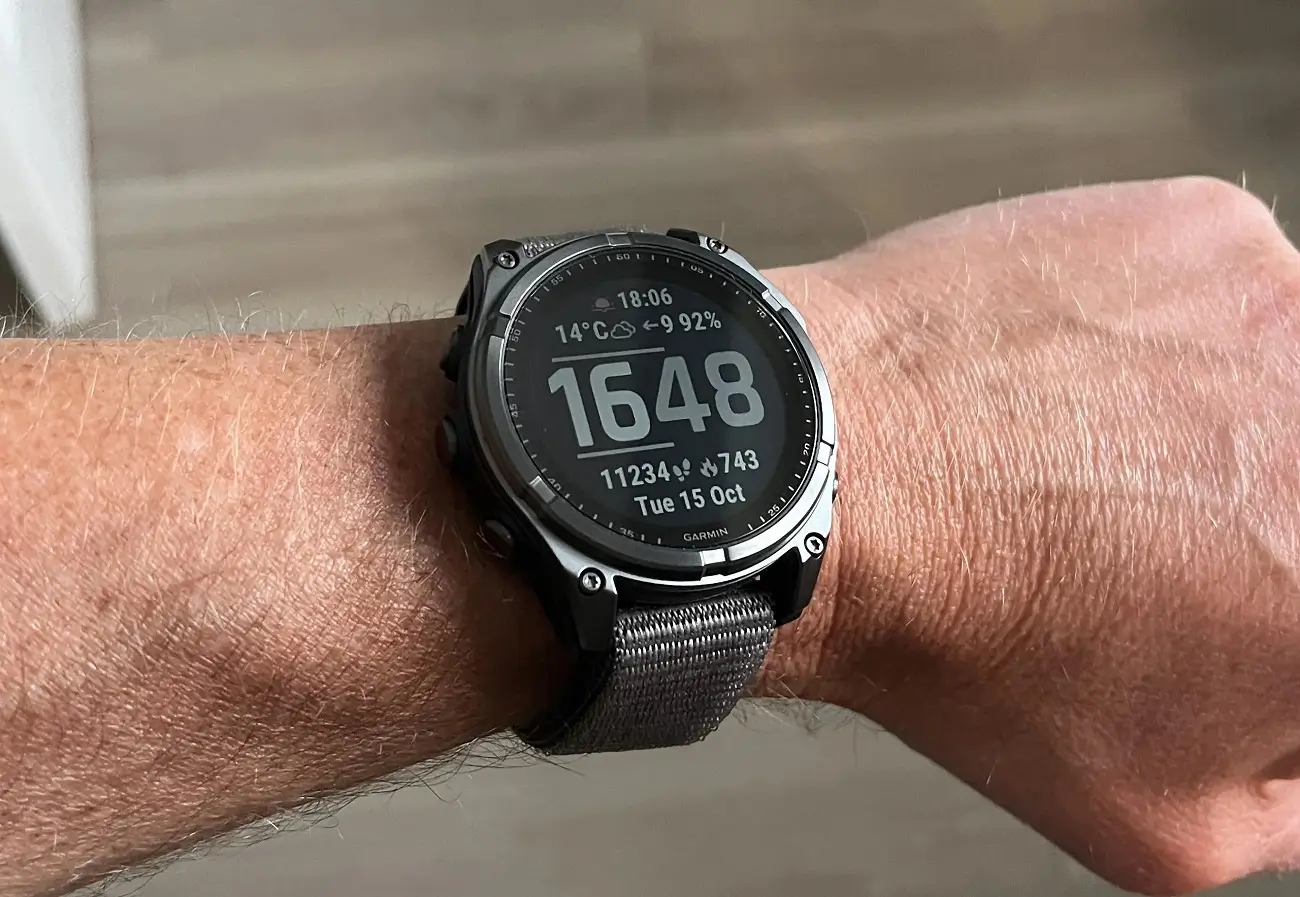
Garmin is rolling out a brand new software update for several of its flagship outdoor smartwatches. The fresh beta update, version 23.34, is currently heading out to users. It lands on a wide lineup of high-end wearables, including the Fenix 8, Fenix E, Tactix 8, Quatix 8, and Enduro 3.
If you look closely at the change log, this release follows closely behind the previous stable version 23.31. However, it brings a full set of new features and important bug fixes designed to keep your gear running smoothly during daily training and outdoor adventures.
Note: The Beta software available for the Fenix 8 series will have the ECG feature and Dive features Disabled.
New Features and Additions
The software update introduces several neat features to make workouts and daily use a bit easier. Runners will notice that the watch can now add a suggested quick workout for running. Garmin also added context to volume control settings and introduced a brand-new XC Ski Indoor activity. Divers can now share dive computer settings directly through the Garmin Share app, while users will appreciate that the Applied Ballistics app now supports Xero range and sensor data.
Additionally, voice command capabilities have been updated to enable the feature with the “OK Garmin” wake word. Garmin also improved the flashlight shortcut to cycle through the on, off, and strobe modes during an activity, alongside general updates to translations.
Important Bug Fixes
Alongside those new features, Garmin squashed several annoying bugs that users were facing on their wrists. The update fixes an issue that could cause music volume to increase after an alarm sounds. It also resolves a potential issue with Spotify music playback after skipping songs via paired Bluetooth headphones, fixes a potential shutdown when switching playlists in Spotify, and stops a potential shutdown when using the HIIT activity simultaneously. Additionally, it restores the onscreen lap shortcut so it shows up in HIIT workouts again.
Other fixes target frustrating training and system glitches. It resolves an issue that could cause the device to reset during a strength activity free workout, and another that could cause the watch to reset when installing audio prompt software and host files. Garmin also fixed an issue that could result in pace and speed dropouts, especially during interval training.
The update fixes a mismatch where training days shown on the watch might not match the days shown in the Garmin Coach plan, fixes issues with not being able to start a suggested multisport workout, and addresses problems with selecting rest days for daily suggested or Garmin Coach plan workouts. Furthermore, it fixes a bug where the volume level would not return to the correct setting after water ejection, reduces false unlocks when using the touch lock feature, and cleans up other minor issues.
How to Install the Update
Garmin is distributing the update as a beta, meaning it rolls out in phases. If your watch has not picked it up automatically and you want to jump in right away, you can download it manually.
Just head over to your watch by following these steps: Main Menu > Settings > System > Software Update > Check for Updates.
Also Read: Garmin’s New Fenix 9 Pro Is Live on Amazon—Here Is What You Need to Know

