

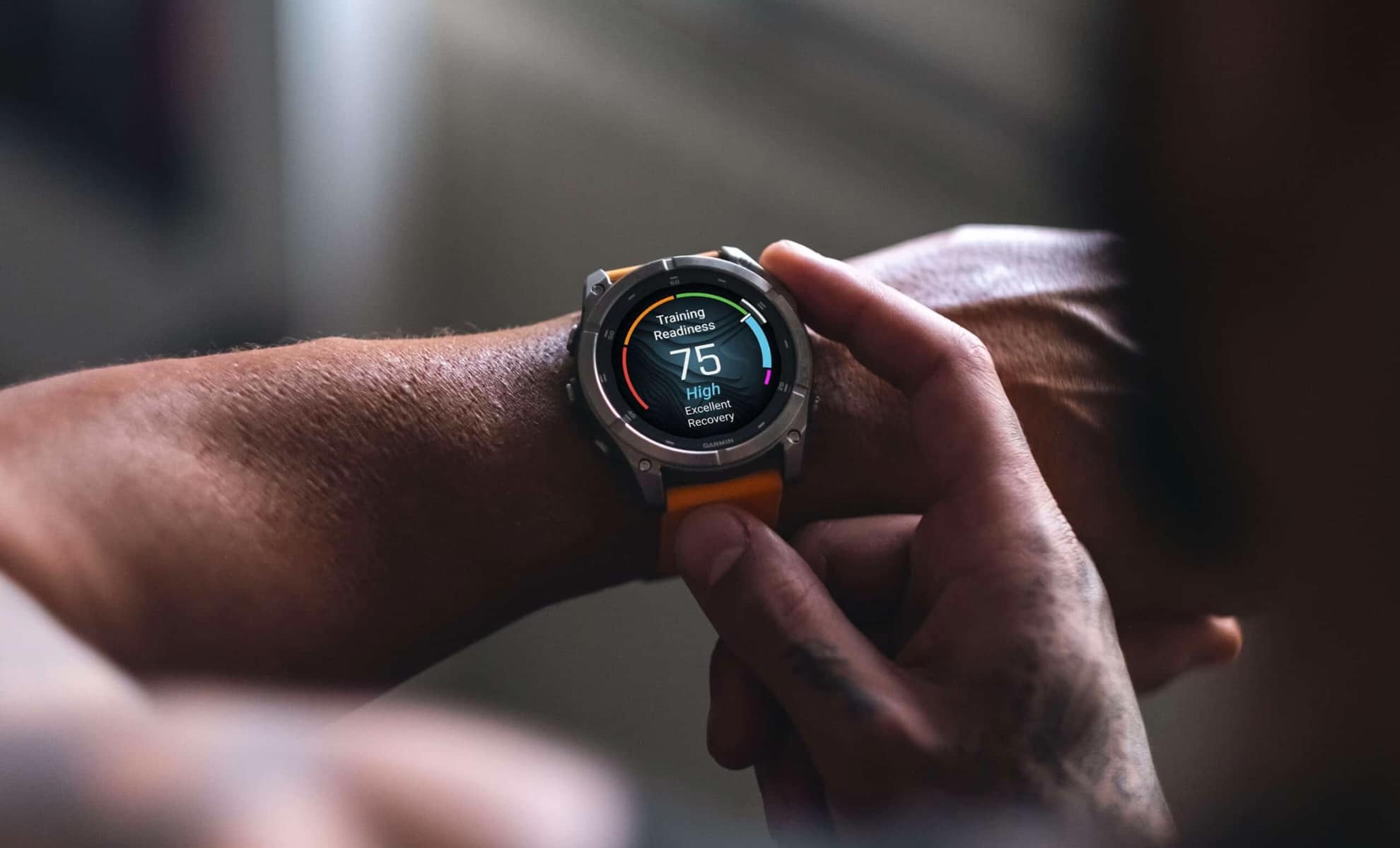
Just a few days ago, Garmin pushed out stable update version 23.31 for the Fenix 8 and Tactix 8 series. While many owners updated right away hoping for a smooth experience, the official Garmin forums are now filled with complaints from frustrated users.
The main problem? A frustrating bug involving screen brightness and heavy battery drain.
What is going wrong?
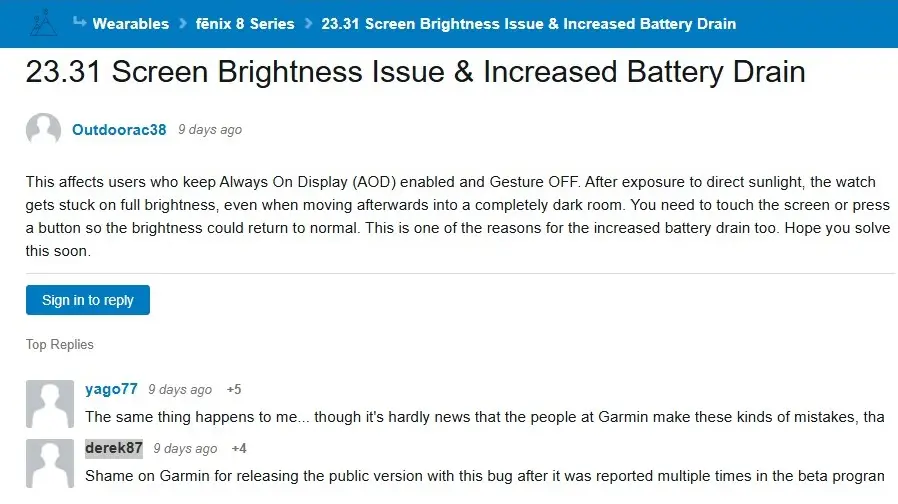
According to dozens of users on the forum thread, the issue happens when you use specific display settings—specifically when Always-On Display (AOD) is turned on and Gesture mode is turned off.
If the watch is exposed to very strong, direct sunlight (or even bright car headlights at night), the screen gets “stuck” at maximum brightness. When you walk back inside or enter a dark room, the watch refuses to dim automatically. Unless you manually tap the screen or press a physical button, it stays blindingly bright.
Because the display is locked at peak brightness without the user noticing, it burns through the battery very quickly. Many AMOLED owners are also worried this could cause permanent screen burn-in if the watch stays stuck at full power for too long. The bug isn’t just hitting the main Fenix 8 either—owners of the Fenix E are reporting the same problem on version 23.31.
Users are angry at Garmin
What makes users the most upset is that this bug is not new. Many forum members point out that this exact issue was reported multiple times during the beta testing phase (versions 23.27 and 23.30), but Garmin released it to the public stable channel anyway without fixing it.
One disappointed user, ‘derek87,’ wrote: “Shame on Garmin for releasing the public version with this bug after it was reported multiple times in the beta program.” Some owners have even downgraded their software back to version 22 just to get their normal battery life back.
Other users are asking Garmin for a simple solution: give us a manual switch to turn off auto-brightness completely, or give us more brightness levels to choose from.
What can you do?
Right now, Garmin has not released an official statement or an emergency fix for update 23.31. If you are experiencing this issue, your only real choices are to keep an eye on your screen, change your display settings, or wait until Garmin pushes out another patch.
Are you running update 23.31 on your Fenix 8? Have you noticed your battery draining faster than usual? Let us know in the comments below.

