
Garmin is keeping up a fast pace with its software updates. Just four days after releasing beta version 24.14, the company is already pushing out a new beta update: version 24.15.
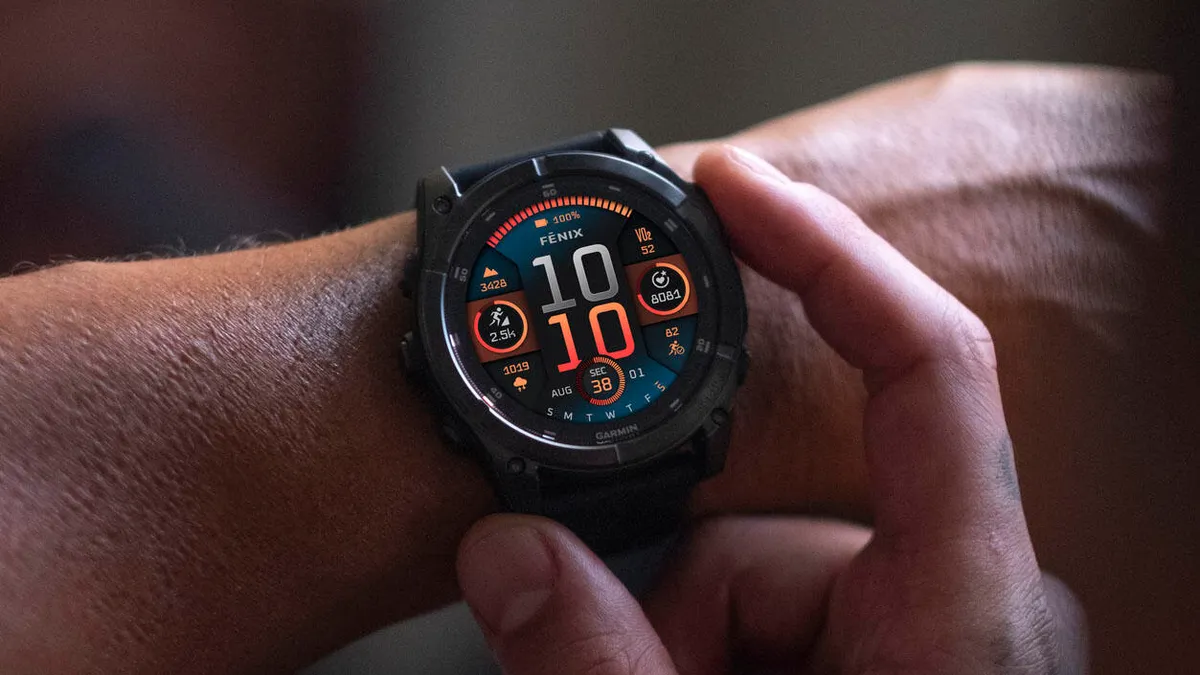
This latest release targets several of Garmin’s high-end devices, including the Fenix 8 series, Fenix 8 Pro, Fenix E, Quatix 8, Tactix 8, and the Enduro 3.
Note: The Beta software available for the Fenix 8 series will have the ECG feature and Dive features Disabled.
Map Installation Glitch Resolved

One of the key fixes in this update targets map management. Previously, some users noticed that Garmin Express would report a successful map installation when, in reality, no new map had been added to the watch. Beta version 24.15 ensures that map updates install properly and reflect correctly on the device.
Stability Improvements for Swim Tracking and Barometer Data
Swimmers will see major stability improvements with this patch. A bug that caused watches to crash as soon as a swim activity started has been resolved. Additionally, Garmin fixed an issue where historical barometer graph data would completely disappear right after finishing a pool swim.
Fixes for Emoji Display and Sleep Tracking Metrics
The new update addresses visual and health-tracking details across the interface. Emojis will no longer overlap with predictive text on the display. Garmin also restored missing overnight Heart Rate Variability (HRV) average calculations for users tracking their sleep with the Index Sleep Monitor.
Workout Prompts and Language Updates Restored
Fitness and specialty tracking features received direct fixes in this build as well. Self-evaluation prompts will now pop up correctly after Strength and HIIT workouts when configured to “Workouts Only.” Furthermore, missing translation files for the ArcheryX app have been restored.
How to Install Update 24.15 Manually
Users enrolled in Garmin’s public beta program can check for the software patch directly from their smartwatch screen. To trigger the update, navigate through the main menu to Settings, select System, tap Software Update, and choose Check For Updates.
Also Read: Garmin Hints at Price Increases for Smartwatches Heading into 2027

