

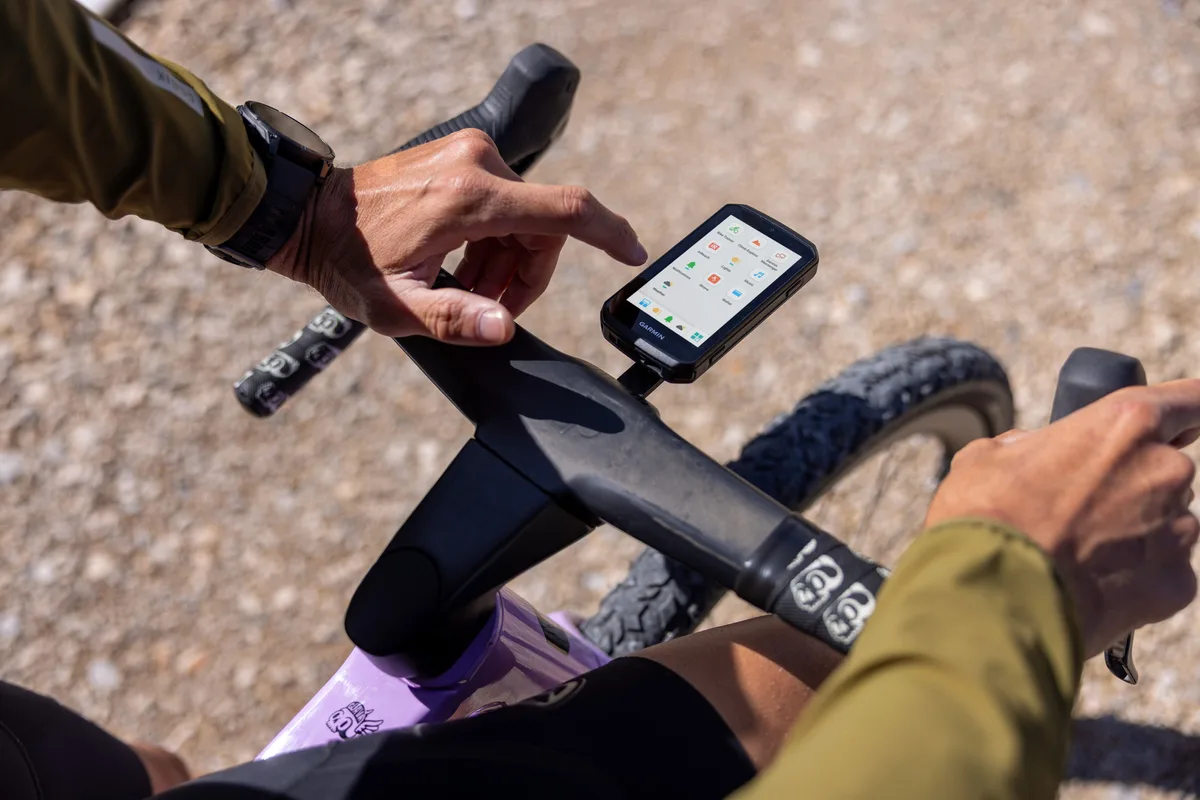
Garmin has released software update version 8.19 for the Edge 1060 bike computer. This stable rollout brings several practical bug fixes and system tweaks designed to make map management and phone sync much smoother for cyclists.
Key fixes and system improvements in update 8.19
Garmin focused on fixing a few annoying issues that popped up in earlier software builds. One of the primary fixes resolves a bug with data field editing on the map screen. Riders can now customize their map view and change metrics on the go without running into frozen menus or display glitches.
For cyclists who rely on desktop software for trip planning, Garmin has restored full compatibility with BaseCamp. The fix ensures seamless route creation, track transfers, and backup management between your computer and the bike computer.
Phone connectivity also gets a helpful tweak for Android users. Bluetooth pairing has been updated so smart notifications are enabled by default as soon as the device connects, saving you a trip through the settings menu. Finally, the patch includes under-the-hood stability improvements to eliminate unexpected crashes and clean up several minor bugs.
How to install the update via Wi-Fi
If your Edge 1060 is connected to a saved Wi-Fi network, you can manually check for and download version 8.19 directly from the device:
-
Open the Main Menu.
-
Select System.
-
Select About.
-
Tap Check For Updates to start the download.
Also Read: Garmin Hints at Price Increases for Smartwatches Heading into 2027

