

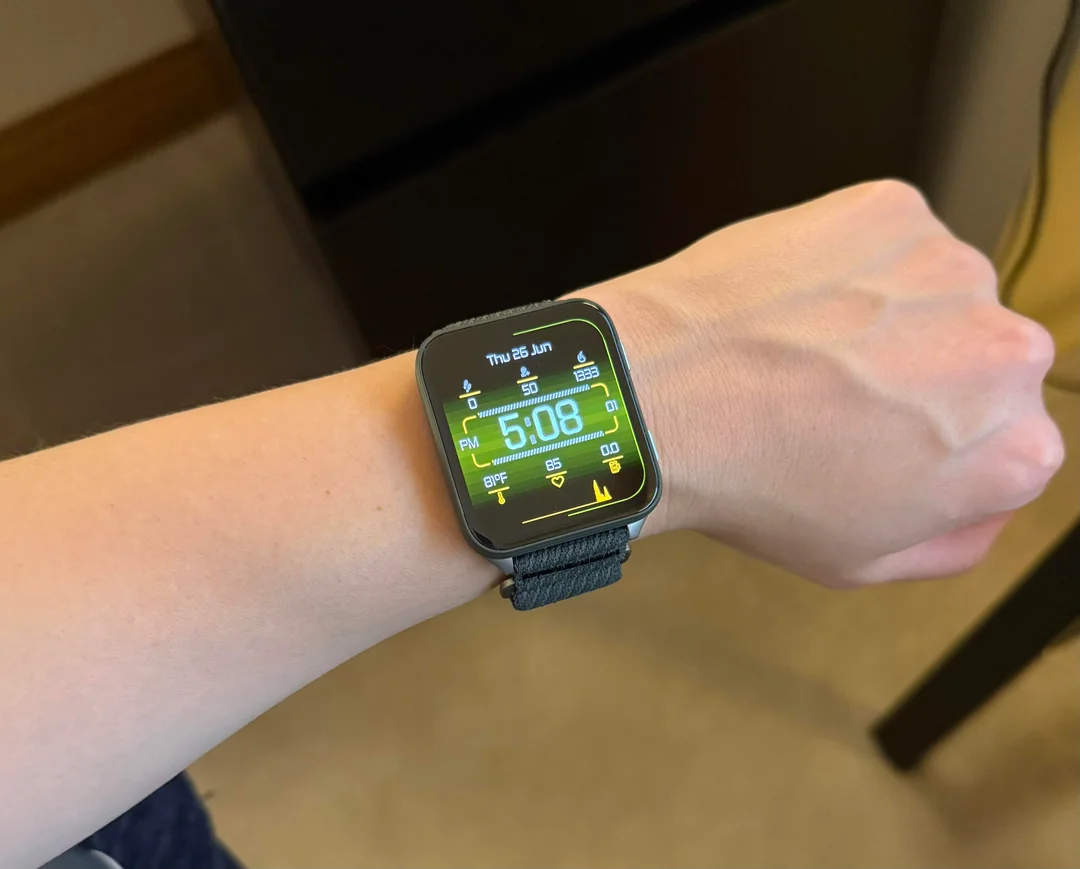
Garmin has officially begun the rollout of its latest beta software, version 17.19, specifically tailored for the Venu X1 smartwatch lineup. This update isn’t just a minor patch; it brings a healthy mix of new hardware compatibility, activity-specific refinements, and much-needed stability fixes to improve the overall user experience.
Enhanced Activity Tracking and Sensor Support
One of the standout additions in this release is the newfound support for Approach CT11 club sensors, making the Venu X1 a more viable companion for golfers looking to track their game with precision. Additionally, Garmin has refined how LiveTrack functions, now allowing users to toggle the feature on or off automatically based on the specific activity type they are starting. Trail runners will also notice a strategic change: the software now prevents automatic track detection during trail runs to ensure data accuracy on rugged terrain.
Performance Tweaks and Interface Reliability
Garmin engineers have focused heavily on the “snappiness” of the device with this build. Users should notice a significant improvement in responsiveness when hitting the start button on the timer. More importantly, the update addresses several critical navigation bugs, such as a frustrating glitch where the back and down keys would occasionally stop responding during indoor climbing or bouldering sessions.
Connectivity and Communication Fixes
Staying connected is a core feature of the Venu series, and version 17.19 clears up some nagging communication issues. The update resolves a bug that previously prevented some users from accepting incoming calls directly from their wrist. Furthermore, the mute setting has been adjusted to be more intuitive; it will now only persist for the duration of the current phone call rather than staying active indefinitely.
Essential Bug Patches and System Stability
Beyond the headline features, this beta version serves as a “housecleaning” update. It includes several fixes for issues that were causing unexpected device resets and addresses a visual bug where the popularity map layer would disappear when routing was disabled. Swimmers will also appreciate a fix for the vibrating “send off time” alerts, which were previously failing to trigger during pool workouts.
How to Install the Update
If you are enrolled in the Garmin Beta Program, you can pull the update manually without waiting for the over-the-air (OTA) notification. Simply navigate through your watch settings:
-
Open the Menu
-
Select System
-
Tap on Software Update
-
Select Check For Updates
Also Read: The 5 Garmin Launches I’m Saving My Money For in H2 2026

