

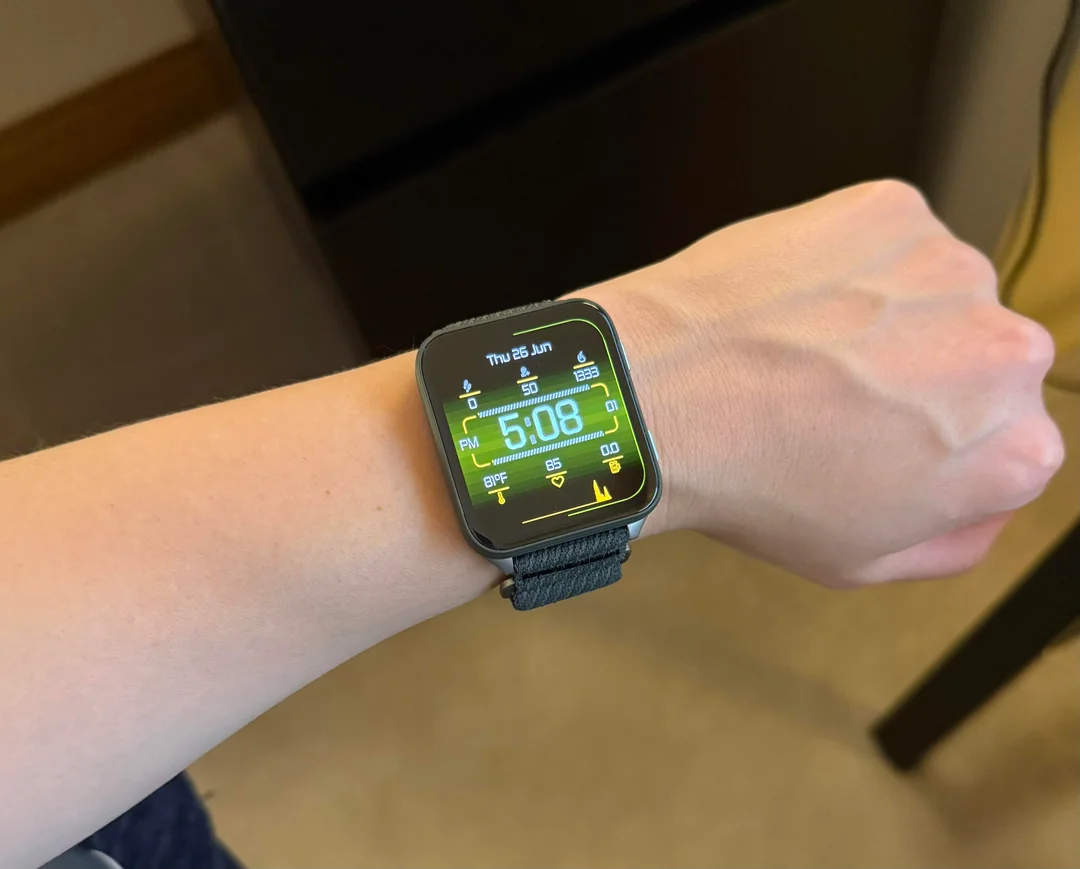
Garmin has started rolling out a new stable software update, version 18.29, for the Venu X1 smartwatch. The update brings convenient hands-free voice controls, fresh workout tracking options, and a suite of bug fixes to keep daily training sessions running smoothly.
New Features and Voice Upgrades
The headline addition in version 18.29 is the “OK Garmin” wake word, allowing users to launch voice commands completely hands-free. Garmin has also added context to the volume control interface, making audio adjustments more intuitive.
Fitness options get a boost with two new additions: a quick suggested running workout feature for fast training sessions and a dedicated XC Ski Indoor activity tracking profile. Additionally, the wrist flashlight shortcut was tweaked, letting users easily switch between on, off, and strobe modes while recording an activity.
Fixes for Workouts and Scheduling
This update addresses several software bugs that affected performance tracking during workouts. Garmin resolved an issue causing pace and speed data to drop out during interval training, fixed a bug where the watch could reset during free strength workouts, and brought back the missing onscreen lap shortcut for HIIT workouts. Touch lock performance was also improved to reduce accidental screen unlocks.
Training planning gets cleaner as well. The patch fixes bugs that prevented users from starting suggested multisport workouts, along with errors when choosing rest days or syncing scheduled workout days with Garmin Coach plans.
System Stability and Audio Adjustments
The release cleans up multiple audio and system glitches. It resolves an issue where music volume spiked unexpectedly after an alarm went off, as well as a bug where volume levels failed to reset properly after using the water ejection tool.
Finally, version 18.29 prevents system resets when downloading audio prompts and host software at the same time, updates language translations, and applies general stability fixes across the operating system.
How to Install Update 18.29
Venu X1 owners can download and install the new software directly on their device. To check for the update, open the Main Menu, select Settings, navigate to System, tap Software Update, and choose Check For Updates.
Also Read: Garmin’s New Fenix 9 Pro Is Live on Amazon—Here Is What You Need to Know

