

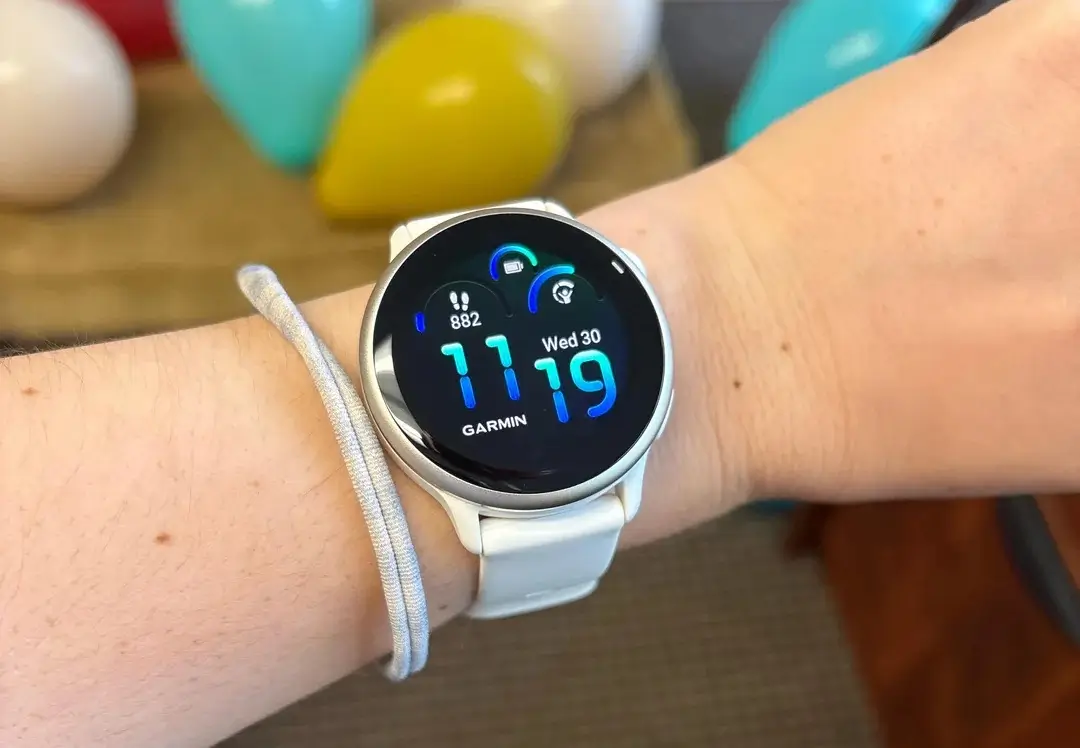
Garmin has officially released a new stable software update for the Vivoactive 6 smartwatch. The new version, labeled update 17.33, comes after more than two months of testing in the beta phase.
This update brings a mix of brand-new features, better system speed, and a long list of bug fixes to improve the daily user experience.
New Features for Golfers and Better Controls
The biggest upgrades in this update focus on golf lovers. If you have a Garmin Golf subscription, your watch will now show premium data like green contours and better CourseView maps. The watch also adds “PlaysLike” distance, which helps you judge shots based on the layout of the course. Additionally, the Vivoactive 6 now works seamlessly with Approach CT1 club sensors.
Beyond golf, Garmin has made it easier to type on the watch. You can now open the keyboard layout menu simply by swiping up from the bottom of the screen. The built-in timer is also much more responsive when you press start.
Critical Fixes for System Crashes
Before this update, some users faced frustrating moments where their watch would suddenly reboot. Garmin has targeted and fixed several of these crashing issues.
Your Vivoactive 6 should no longer reset when you are trying to record an activity, view your evening summary report, or add new apps through the Garmin Connect Mobile phone app. Furthermore, a bug that caused the watch to crash when receiving WhatsApp notifications on an iPhone has been successfully fixed.
Improvements for Swimmers and Runners
Athletes will notice smoother tracking across multiple sports. For swimmers, Garmin fixed a bug where pool workouts would skip ahead on their own, and ensured the watch now vibrates properly for send-off times.
For runners, the watch will no longer turn on automatic track detection by accident when you are out for a trail run. Climbers also get a fix: the back and down buttons will now work perfectly during indoor climbing and bouldering sessions.
Data Syncing and Everyday Bug Fixes
The update cleans up several issues with data sharing and daily features. It fixes a problem where the watch would fail to upload your workouts to Garmin Connect, and solves a bug that stopped your strength training personal records from syncing.
Other small but helpful fixes include:
-
Weather App: The weather data now refreshes immediately when you open the app.
-
Watch Faces: Sunrise and sunset times will now update correctly.
-
Storage Speed: The watch will no longer freeze or lag if you have a lot of saved workouts stored on it.
-
General: Better translations across different languages and various minor bug fixes.
How to Download Update 17.33
While the update is rolling out automatically, you do not have to wait for it to arrive. You can check for the software manually right on your wrist.
To download the update now, open the Main Menu on your watch, go to Settings, select System, tap Software Update, and then choose Check For Updates.


How do you know that it is a stable update when all information from Garmin as of today is that it’s a Beta release? Just curious.
It’s a stable update. Here where you can find it https://forums.garmin.com/sports-fitness/healthandwellness/f/vivoactive-6-series/436964/vivoactive-6-software-version—17-33