

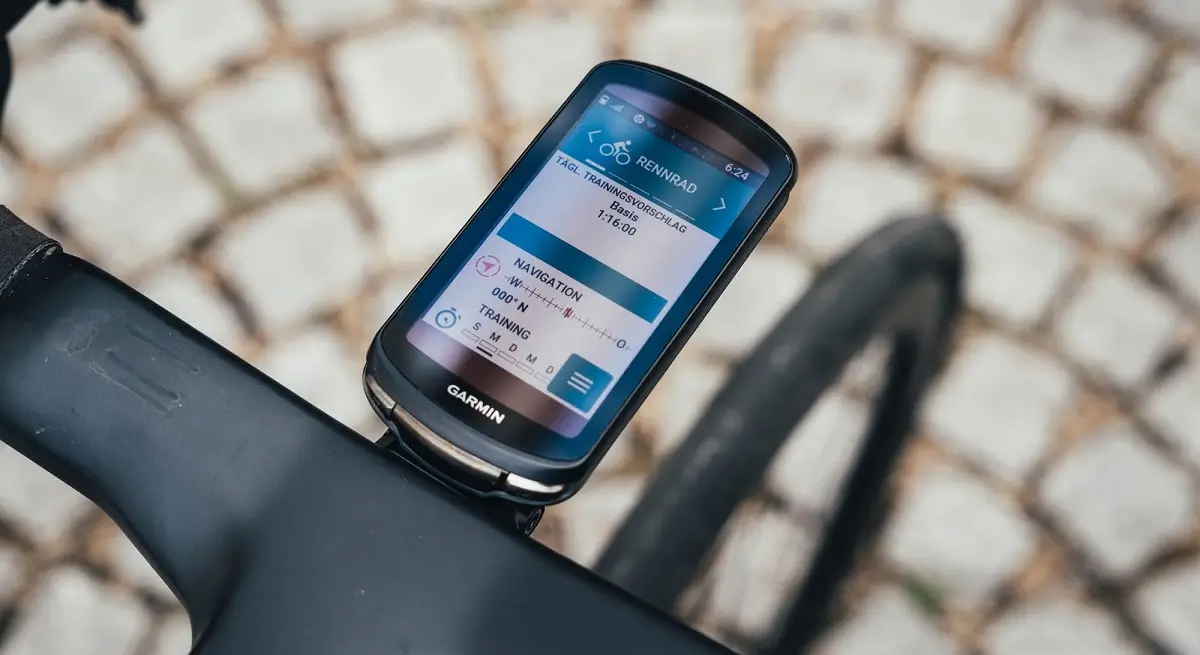
Garmin is rolling out a helpful new software update for its cycling computers. The new feature is called Gear Tracking. Instead of just counting the miles on your bike, your Garmin device can now track the exact lifespan of your tires, chains, and other parts.
This update helps athletes know exactly when it is time to swap out old equipment before it breaks.
Why This New Feature Matters
Bike parts wear out over time, and riding on worn-out gear can lead to bad accidents. For example, if a tire or a frame part snaps while you are riding fast, you could get hurt.
There is also a big financial benefit. If you ride with an old, stretched-out chain, it will quickly ruin your bike’s rear gears (the cassette). Replacing a chain is cheap, but replacing high-end bike gears can cost a lot of money. This tool tells you exactly when to get a new chain so you do not destroy more expensive parts.
How the Tracking Works
The system allows you to log the exact distance, hours, and days you use each piece of gear. You can track everything from your main bicycle down to individual bike parts, running shoes, and even the tiny cleats on the bottom of your cycling shoes.
Once you put your equipment into the system, your Garmin device automatically records the wear and tear every time you start a workout. When a part gets close to the end of its life, you will get a helpful progress bar on your device and an alert on your phone.
How to Set It Up and Find It
Many users were confused at first because Garmin did not include clear instructions in their announcement email. To use this feature on your device, you actually need to start the setup on your phone or computer first.
Here is how to get it working:
-
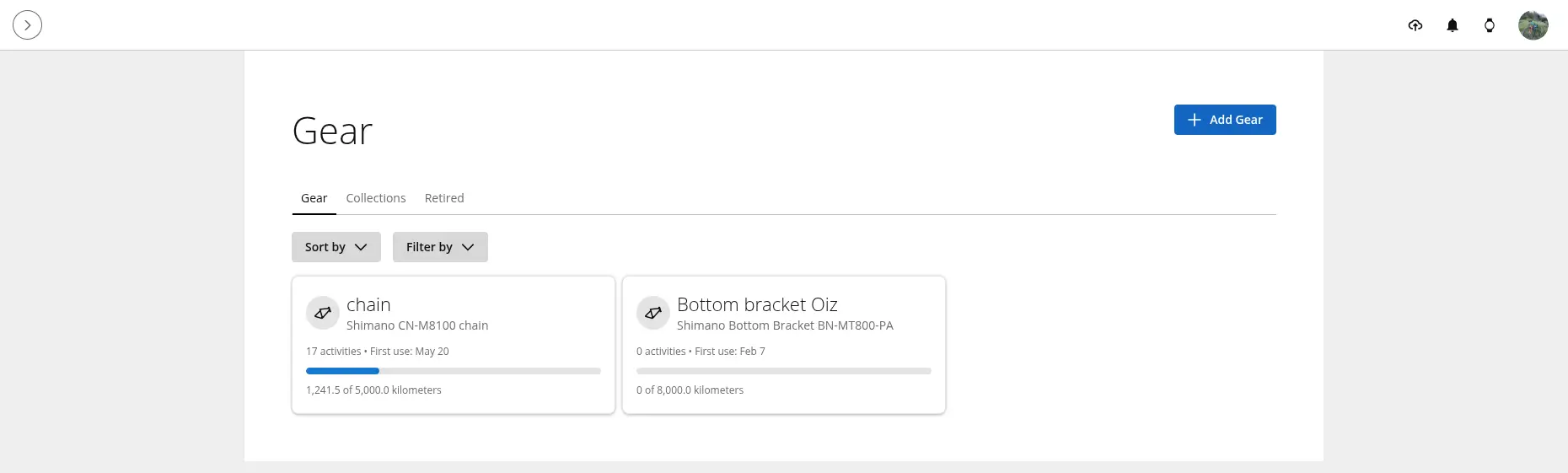
Open Garmin Connect: Go to the Garmin Connect app on your smartphone or log in to the Garmin website.
-
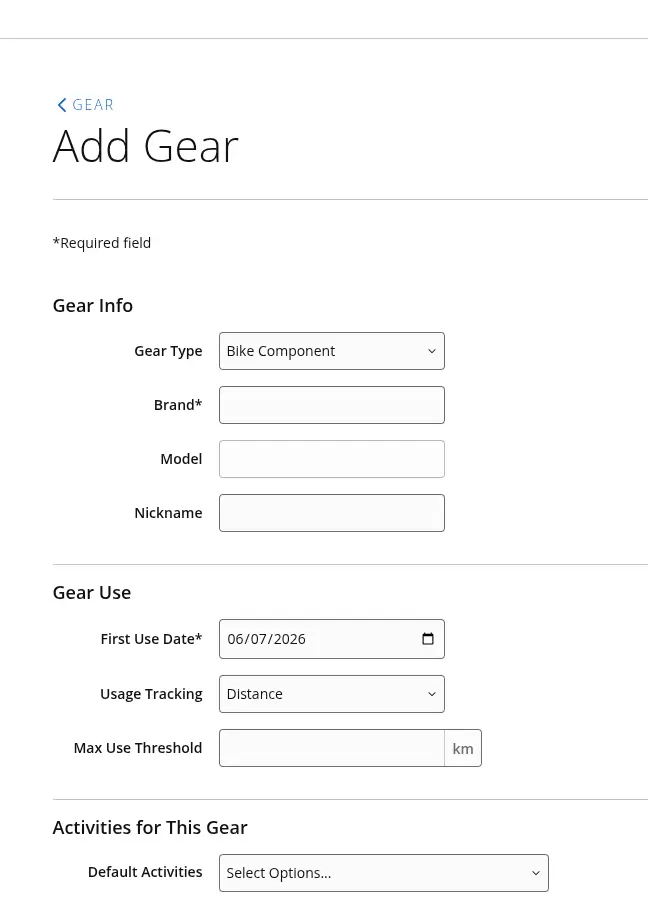
Add Your Parts: Go to the “Gear” section and select Add Gear. A box will pop up giving you options like “Bike” or “Bike Components.”
-
Set Your Limits: Choose “Bike Components” to type in the specific parts you want to watch, like your chain or bottom bracket. You can type in the maximum number of miles or hours you want that part to last.
-
Link Your Gear: Create a “Gear Collection” in the app to combine your bike and its parts. Set it as your default choice for your cycling activities.
Once you sync your phone with your Garmin cycling computer (like the Edge series), the device will start tracking the parts automatically during your rides and show your progress bars on the screen.

