

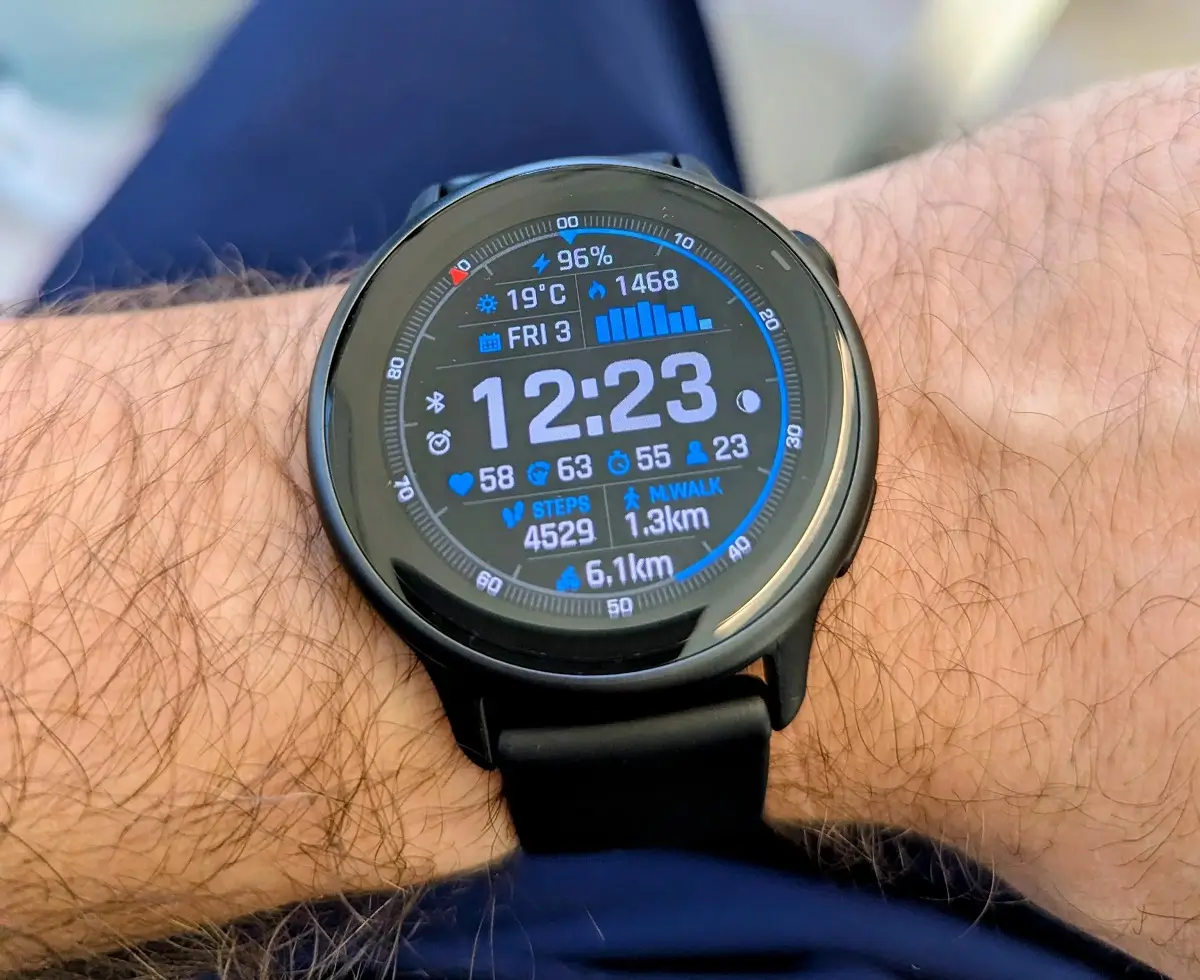
Garmin has started rolling out a new stable software update, version 18.29, for the Vivoactive 6 smartwatch. The release focuses heavily on tracking accuracy, training plan stability, and a pair of useful sports updates for runners and winter athletes.
New Workout Options and Interface Tweaks
The update introduces two notable sport additions. Runners now get quick suggested workouts directly on the watch for convenient, low-friction training sessions. Garmin has also added a dedicated XC Ski Indoor profile to track cross-country skiing workouts inside.
Beyond activity profiles, the update improves daily usability by refining the touch lock feature. The change reduces accidental screen unlocks during workouts or everyday wear.
Big Fixes for Training and Fitness Tracking
A large portion of update 18.29 targets bug fixes that interfered with fitness data. Garmin resolved an issue that caused pace and speed dropouts, which particularly affected runners doing high-intensity interval training.
Strength and HIIT enthusiasts will also benefit from enhanced stability:
-
Prevents watch crashes and resets during free strength workouts.
-
Restores the missing on-screen lap shortcut during HIIT workouts.
-
Resolves a bug that prevented users from launching suggested multisport workouts.
Garmin Coach and System Stability
Garmin addressed synchronization glitches between scheduled training programs and watch displays. The patch fixes issues where selected rest days failed to save properly in daily suggested or Garmin Coach plans, as well as discrepancies where training days on the watch did not match the actual Garmin Coach schedule.
Lastly, the update prevents device resets when installing audio prompt software alongside main host software, includes updated language translations, and applies general system stability fixes.
How to Install Update 18.29
Vivoactive 6 owners can download the patch directly from their wrist. To update manually, open the Main Menu, select Settings, navigate to System, tap Software Update, and choose Check for Updates.
Also Read: Garmin’s New Fenix 9 Pro Is Live on Amazon—Here Is What You Need to Know

