

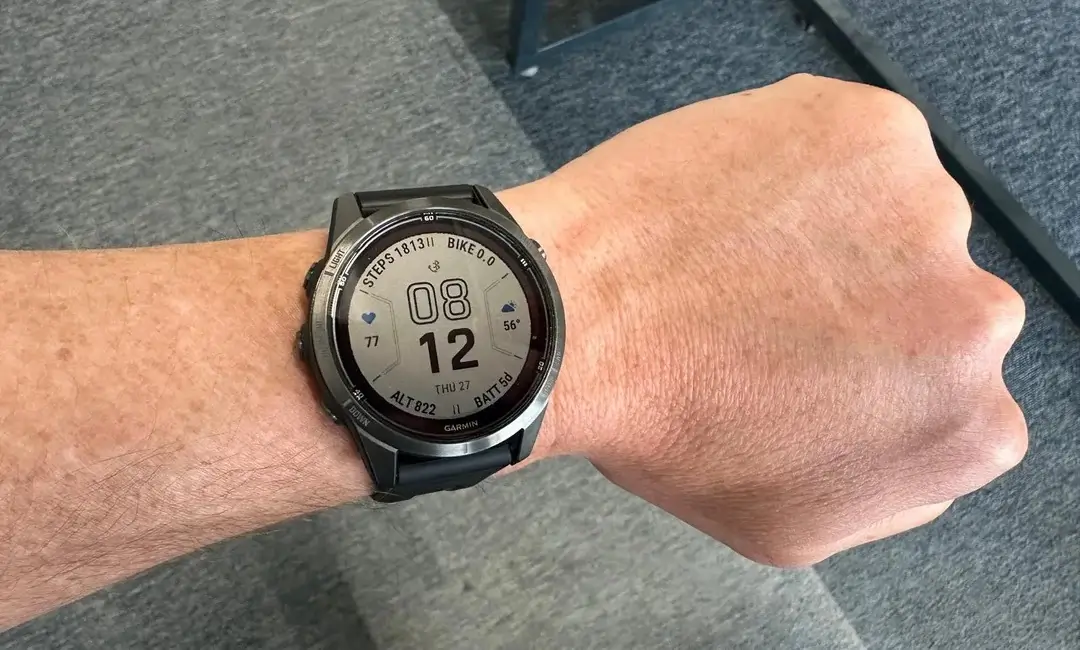
Garmin has officially begun the rollout of stable software version 26.09, a comprehensive update targeting its premium lineup. This release is specifically designed for the Fenix 7, Tactix 7, Epix 2, Quatix 7, and Marq Gen 2 series. While many recent updates focused on beta testing, this stable build ensures that all users—from backcountry hikers to triathletes—can benefit from improved system reliability and expanded hardware compatibility.
New Hardware Integration: Rally Support
One of the primary highlights of this update is the expanded ecosystem compatibility. Garmin has officially added support for the Rally 110 and 210 power meters. Cyclists using these pedals will now experience seamless integration with their watches, allowing for more precise power data tracking and performance analysis during rides.
Critical Bug Fixes and Stability Improvements
A significant portion of version 26.09 is dedicated to squashing pesky bugs that hindered the user experience. Garmin addressed several “crash” scenarios, specifically fixing issues where the watch might shut down while skipping music tracks or while using the Garmin Coach application. Furthermore, the update resolves a frustrating glitch where the watch face would unexpectedly toggle into battery saver mode without user input.
Refining the User Interface and Localization
Garmin has also focused on the finer details of the interface. This includes fixing text overflows—such as the Training Effect description in German—and correcting missing translations in the Solar Intensity widget. The update also streamlines the “Upload RAM” option, ensuring it only appears when a stable connection to Garmin Connect is established, thereby reducing clutter in the settings menu.
Workout and Sensor Calibration Enhancements
For those who rely on daily guidance, the update fixes a bug where Daily Suggested Workouts would occasionally display invalid target data. Reliability has also been improved for third-party hardware, specifically resolving pairing issues with Stages Power Meters. Additionally, users who need to recalibrate their sensors will find that the compass calibration tutorial video now triggers correctly, ensuring you never lose your way on the trail.
How to Install Version 26.09
While Garmin typically rolls these updates out in phases, you can manually trigger the download to get the latest features immediately. To update your compatible Garmin smartwatch, follow these steps:
-
Press and hold the Menu button.
-
Navigate to System.
-
Scroll down to Software Update.
-
Select Check For Updates.
Also Read: Is the Garmin Fenix 9 Worth the Wait? My Deep Dive into the 2026 Rumors

