

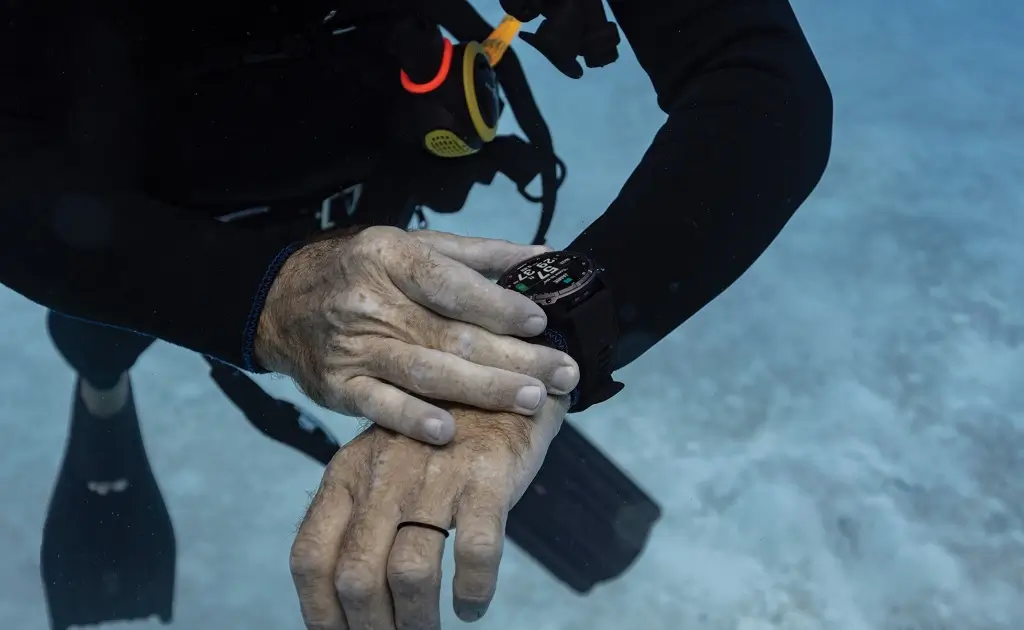
Garmin has officially released software update version 27.19 for its Descent MK3 and MK3i smartwatches. The new stable patch focuses on fixing several system bugs to improve daily tracking and app performance.
Bug Fixes and Stability Improvements
The main goal of this patch is to prevent sudden crashes and system glitches. Users who rely on the smartwatch’s messaging features will notice better overall performance, as Garmin resolved a bug that caused potential system instability when opening or using the Messenger widget. Additionally, the update fixes an issue where the watch could freeze or crash while actively broadcasting heart rate data to other devices.
Smarter Fitness Tracking
Beyond general stability, the update targets key health and exercise metrics. Some runners previously reported that the watch failed to record specific running data during workouts. Garmin has resolved this issue, ensuring that metrics like running cadence are now consistently logged and saved to workout summaries.
How to Install Update 27.19
While smartwatches often download new software automatically over time, owners of the Descent MK3 and MK3i can manually start the download right away.
To update the watch manually:
-
Open the Main Menu on the device.
-
Scroll down and select Settings.
-
Choose System.
-
Tap Software Update, then select Check for Updates.
Also Read: Garmin’s New Fenix 9 Pro Is Live on Amazon—Here Is What You Need to Know

