

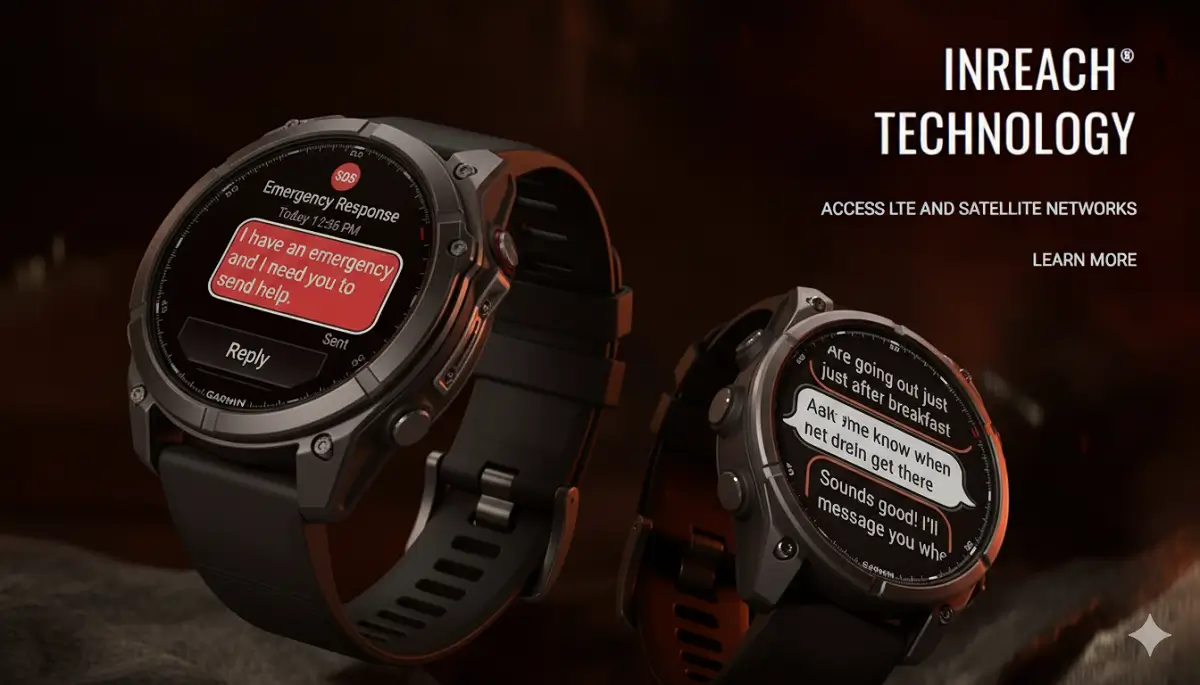
Garmin is continuing its steady software rollout across its high-end wearable lineup. After pushing stable update version 23.39 to the standard Fenix 8 non-Pro and Tactix 8 models two days ago, Garmin has now officially brought the same update to the Fenix 8 Pro and MicroLED editions.
The new software drops with a massive, identical change log filled with helpful features, sports additions, and critical bug fixes.
What New Features Are Included?
The fresh update brings several handy tools and system additions right to your wrist. Garmin has added a suggested quick workout feature specifically designed for running, alongside a new indoor cross-country skiing activity profile. Users will also find dive computer settings sharing directly inside the Garmin Share app, clearer context when adjusting system volume, and support for Xero range and sensor data inside the Applied Ballistics app.
On top of that, the update officially enables the voice command feature using the hands-free “OK Garmin” wake word. Garmin also improved the flashlight shortcut so you can seamlessly cycle through on, off, and strobe modes while in the middle of an activity, and reduced accidental false unlocks when using the touch lock feature.
Important Bug Fixes and System Improvements
Garmin has focused heavily on squashing bugs that users have reported over recent weeks, addressing everything from audio glitches to unexpected watch resets. Notable fixes include resolving an issue that could result in sudden pace or speed dropouts, especially during interval training sessions, and updating translations across the system.
Workout stability has also seen major improvements. The update resolves bugs that prevented users from starting suggested multisport workouts, selecting rest days for Garmin Coach plans, or matching training days between the watch and the coaching app. Additionally, it fixes an issue causing the watch to reset during free strength workouts, brings back the missing onscreen lap shortcut in HIIT workouts, and eliminates potential shutdowns when using HIIT and music simultaneously.
Audio and media playback have also been cleaned up. The software fixes water ejection bugs where volume levels failed to return to normal, stops music volume from jumping after an alarm sounds, and resolves a shutdown bug when installing audio prompt software. For music lovers, it eliminates potential device shutdowns when switching playlists in Spotify or when skipping songs using paired Bluetooth headphones.
How to Download the Update
Garmin rolls out these updates in stages, so it might take a little time to hit your watch automatically. If you don’t want to wait for the over-the-air notification, you can manually check and download the update right now by navigating to your watch’s Main Menu, going to Settings, selecting System, tapping Software Update, and choosing Check For Updates.
Also Read: Garmin Breaks Down Massive Summer 2026 Software Updates in New Official Guide

