

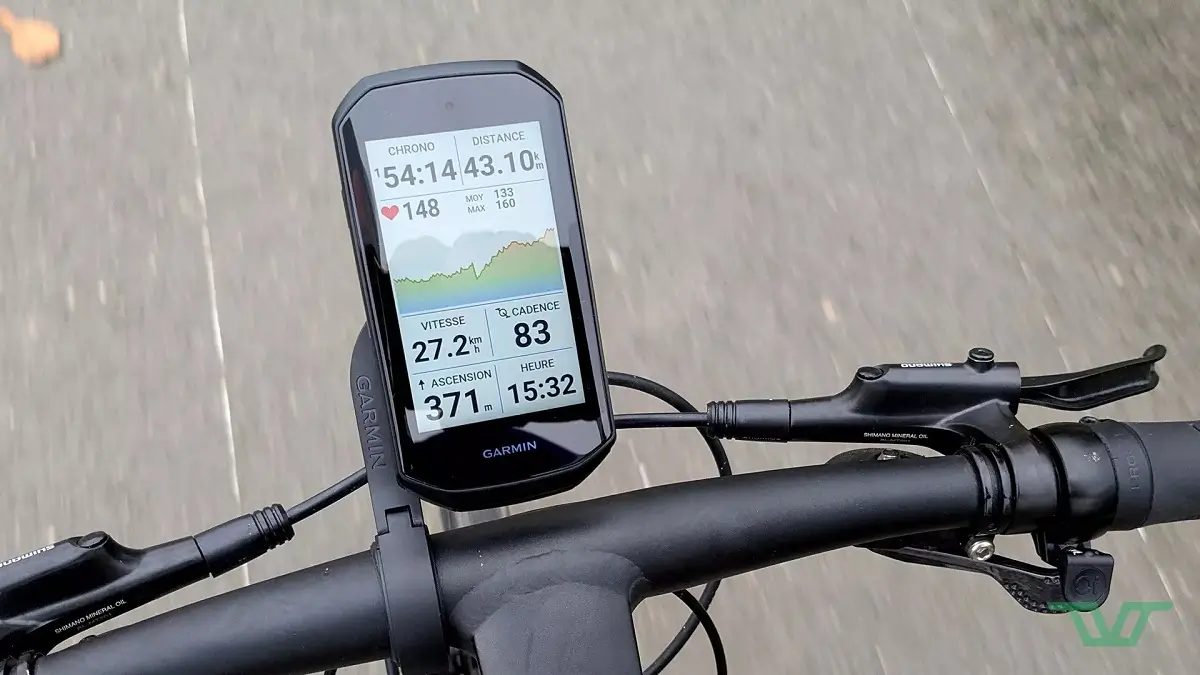
Garmin has just launched a fresh beta software update for its popular Edge series. The new software, version 31.30, is now rolling out to a wide range of devices.
If you own an Edge 1050, 1040, 850, 840, 550, or 540, your device is eligible for this latest tweak.
What is Fixed in This Update?
- Fixed crash searching for locations.
The main goal of this update is to fix a frustrating bug that caused devices to suddenly crash. Specifically, Garmin resolved an issue where the cycling computers would shut down or freeze whenever a user tried to search for locations.
If your device has been acting up during navigation searches, this update should clear things right up.
How to Get the Update on Your Edge
Getting the new software onto your device only takes a few steps. First, make sure your Garmin Edge is connected to a reliable Wi-Fi network. Then, follow these steps:
-
Open the Main Menu on your device.
-
Tap on System.
-
Select About.
-
Choose Check For Updates.
An Important Note for Beta Testers
Garmin added a quick warning for anyone installing this version. If your screen gets stuck on a message that says “Collecting diagnostics…”, don’t panic.
You can fix this manually by navigating to Menu > System > Diagnostics, and then selecting Upload RAM Dump. This will send the necessary data to Garmin and get your device back on track.

