

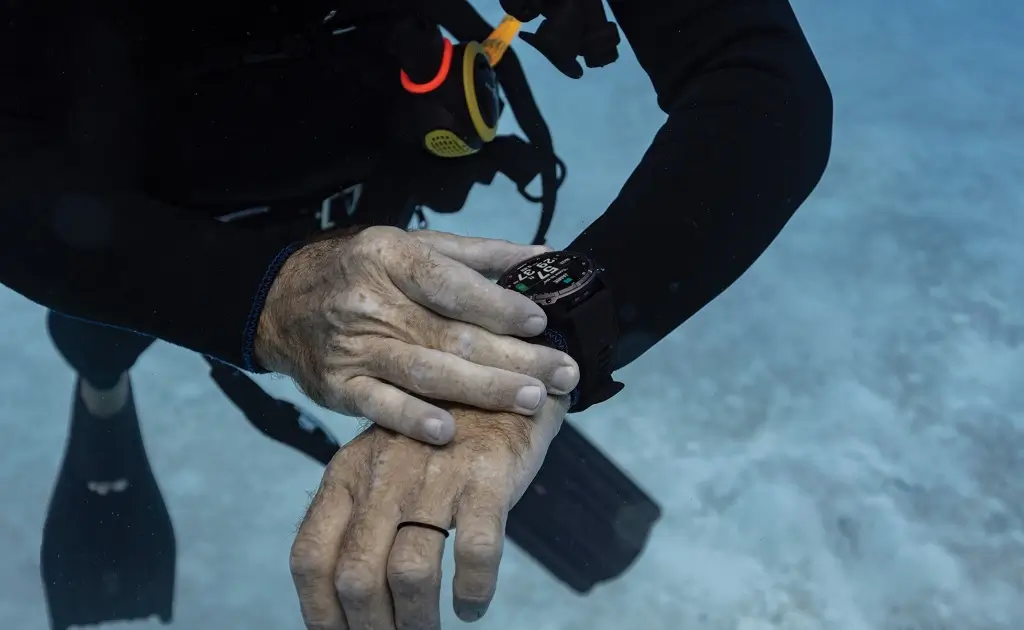
Garmin has officially released a new stable software update for the Descent Mk3 and Descent Mk3i series. Software version 27.16 is now rolling out globally, bringing safety updates for divers based on new medical research alongside key operational improvements.
Updated Dive Safety Parameters Based on DAN Guidance
The biggest changes in version 27.16 focus on dive safety and gas management, adjusted directly from guidance provided by Divers Alert Network (DAN).
Garmin has updated the Central Nervous System (CNS) toxicity accumulation rate based on a 2025 research paper by Hoyt et al. This update increases the exposure limit for oxygen partial pressures between 1.20 and 1.30 PO2. Additionally, in-dive CNS toxicity pop-up alerts have been removed. Divers who still want to monitor this metric can add the dedicated data field to their dive screens or check it on the Surface Interval widget.
Oxygen Toxicity Units (OTU) limits have also been restructured. The software now raises total OTU limits while factoring in multi-day diving routines by gradually reducing the threshold over consecutive days. For instance, on the first day of diving, the watch triggers a warning at 600 OTU and a critical limit at 850 OTU. Divers can review their dynamic daily limit on the Surface Interval widget.
New Features for Descent Mk3 and Mk3i
The update adds several functional enhancements to streamline underwater navigation and post-dive tracking:
-
SubWave Shadowing (Mk3i Only): Expands Setup Sharing capabilities, allowing divers to share their SubWave configuration across two of their own air-integrated Garmin devices.
-
Compass Pre-Check Warning: Displays an indicator showing when the compass was last calibrated, reminding divers to recalibrate after traveling to new locations.
-
Training Readiness Dive History: Divers can now view recent dive information directly inside the Training Readiness widget to better monitor recovery status.
-
SAC Rate Precision: The Dive Summary page now displays Surface Air Consumption (SAC) rates with two decimal points of precision for more detailed data tracking.
-
Delayed SubWave Alerts (Mk3i Only): SubWave messages received while navigating through watch menus will now pop up automatically once you return to the main dive screen.
-
Bug Fixes: Includes system stability fixes for Garmin Messenger features.
How to Download Software Version 27.16
Garmin is pushing the update automatically over the air for paired devices. If you want to install it right away, you can manually trigger the download on your watch by going to:
Main Menu > Settings > System > Software Update > Check For Updates
Also Read: Garmin Teases New Outdoor Watches for Late 2026 as Fitness Sales Boom

