

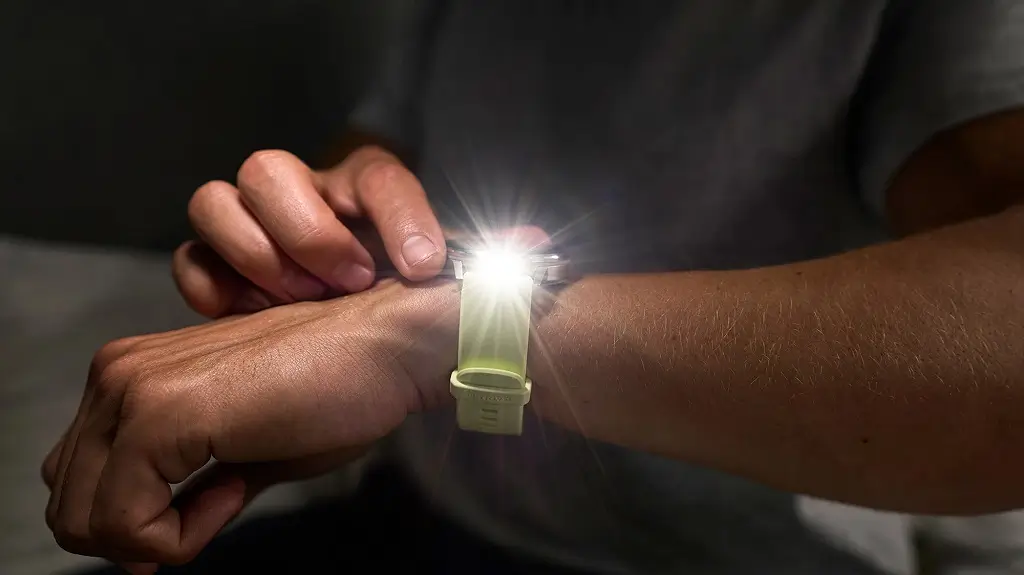
Garmin has started pushing out a fresh beta software update for its Venu 4 smartwatches. The new software, listed as version 18.14, focuses heavily on fixing annoying bugs, tweaking audio settings, and making sports tracking a bit smoother.
If you are part of Garmin’s beta program, here is a breakdown of what is changing on your wrist.
Better Cycling and Fewer Screen Mishaps
For cyclists, Garmin is adding a handy new feature that can automatically detect your Functional Threshold Power (FTP). This means the watch will figure out your cycling stamina limits without making you do a manual test.
The tech giant also fixed a couple of annoying screen issues. First, the “touch lock” feature is now smarter, meaning your watch screen shouldn’t accidentally unlock when you don’t want it to. Second, a bug that accidentally turned on the touch screen during water sports—even when a custom focus mode was active—has been sorted out.
No More Crashes During Workouts
Indoor athletes will notice a much more stable experience with version 18.14. Garmin patched two major bugs that were causing the Venu 4 to crash. One issue caused the watch to completely reset right when you tried to save an indoor rowing session. Another bug caused the device to freeze or crash right in the middle of indoor climbing activities. Both are now fixed.
Huge Fixes for Headphone and Music Bugs
A massive chunk of this update deals with audio, especially for users who pair Bluetooth headphones with their watch.
Here is what is changing with your music and sounds:
-
Button Tones: When you have headphones on, button clicks will now default to silent so they don’t interrupt your audio.
-
Speaker Protection: Music will no longer awkwardly blast out of the watch speaker for a second right after you disconnect your headphones.
-
Glitch Fixes: Garmin fixed bugs where the “previous track” button wouldn’t restart a song, and where the music screen showed the wrong playback status.
-
Volume Control: The update stops the music volume from suddenly spiking after an alarm goes off, and fixes a glitch where focus modes randomly changed your headphone volume.
Alarm and Workout Plan Tweaks
Alarms should behave much better now. Garmin fixed an annoying bug where alarms set to “vibrate only” would still make a sound. They also fixed general issues with volume controls for both alarms and alerts.
For runners and fitness enthusiasts using Garmin Coach or Daily Suggested Workouts, the schedule should now look right. A bug that caused the training days on the watch to look different from the plan on your phone has been squashed, and choosing rest days is now working properly.
How to Get the Update
While some beta updates roll out automatically, you can grab this one right away by checking manually.
How to update: On your watch, go to the Main menu, tap Settings, select System, choose Software Update, and then tap Check For Updates.

