

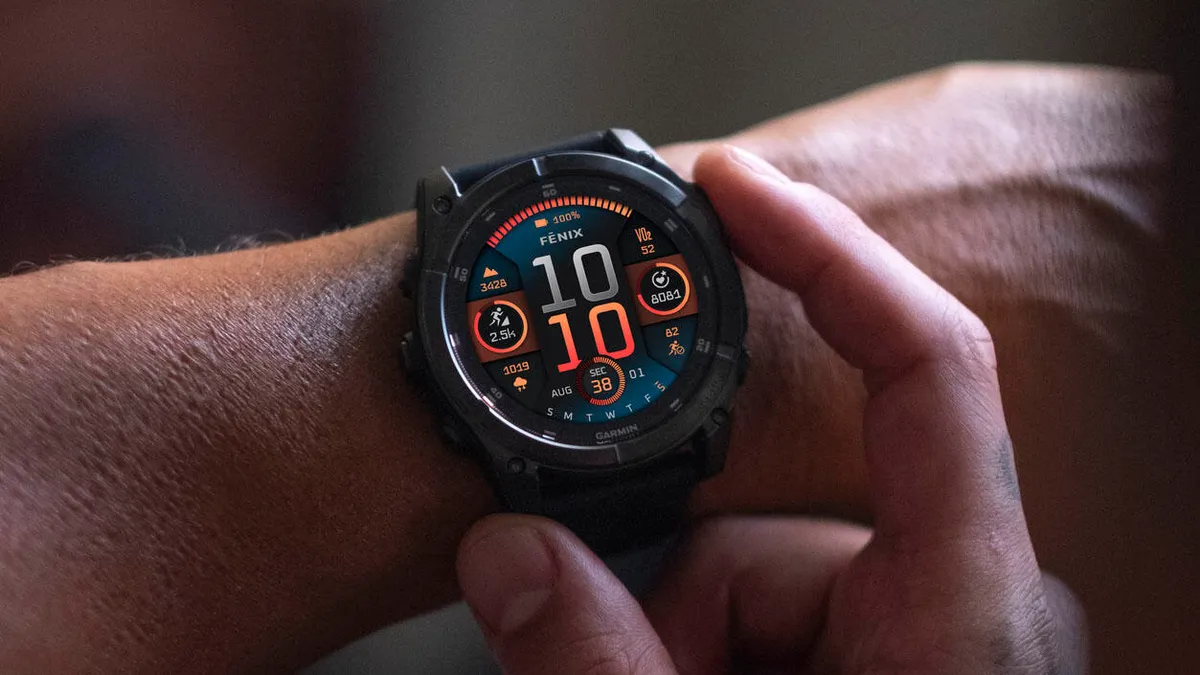
Garmin is finally rolling out a major, stable software update for its premium smartwatches. After spending more than two months in beta testing, software version 22.35 is now ready for the public.
If you own a Fenix 8, Fenix 8 Pro, Fenix E, Tactix 8, or Enduro 3, this update should be hitting your device soon. It brings a mix of brand-new features and highly requested bug fixes to improve daily performance.
Fresh Features for Golfers, Messengers, and Adventurers
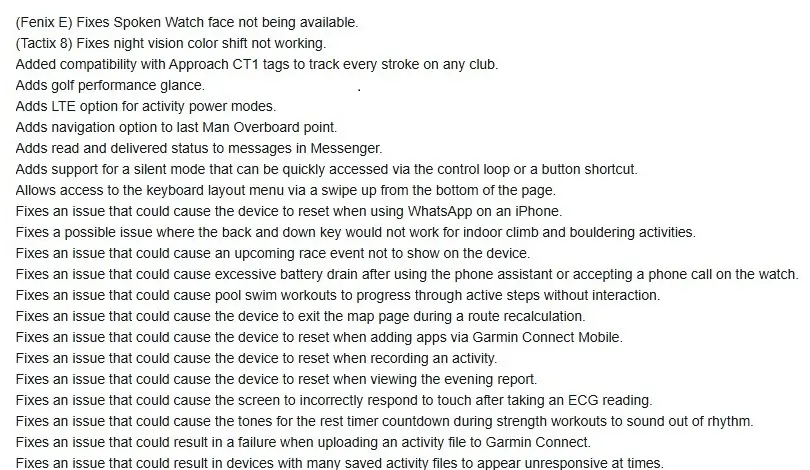
Garmin packed several new tools into this software release. Golfers get a major upgrade with a new performance glance and compatibility with Approach CT1 tags, which help track every single club stroke. If you use Garmin Messenger, you will now see “read” and “delivered” statuses on your texts.
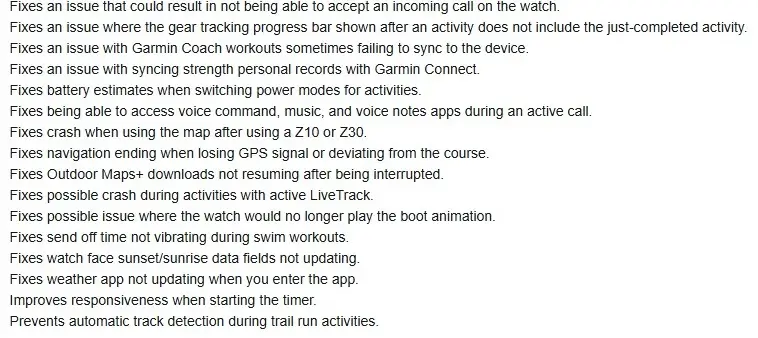
For safety and stealth, Garmin added a quick “silent mode” shortcut and a navigation tool that points you back to your last “Man Overboard” location. Hikers and runners will also notice that Outdoor Maps+ downloads will now automatically resume if your connection gets cut off.
Squashing Battery Drains and System Crashes
A huge chunk of this update focuses on fixing annoying bugs. Many users previously complained about severe battery drain after making a phone call or using the voice assistant on their wrist. Garmin says that the issue is officially fixed.
The update also cures several random crashes. The watches should no longer reset themselves when you use WhatsApp on an iPhone, track a live workout, look at your evening report, or download apps through the Garmin mobile app. Furthermore, the screen will no longer glitch out or freeze up after you take an ECG reading.
Smooth Sailing for Daily Workouts
Athletes will notice a lot of small, welcome tweaks to their workout routines. Garmin fixed a bug that stopped strength and Garmin Coach workouts from syncing properly. Swim workouts will also behave better, ensuring the watch vibrates when it is time to swim and stops skipping ahead during pool intervals.
Additionally, the watch is now smarter during trail runs—it will no longer accidentally trigger automatic track detection when you are out on the dirt. Finally, starting your workout timer should feel much faster and more responsive. You can see the full change log in the pictures below!
How to Get the Update Right Now
While the update is rolling out automatically, you do not have to wait for it to hit your watch over the air. You can manually force the download by navigating through your watch menus.
Just go to the Main Menu, select Settings, click on System, choose Software Update, and tap Check For Updates.

