

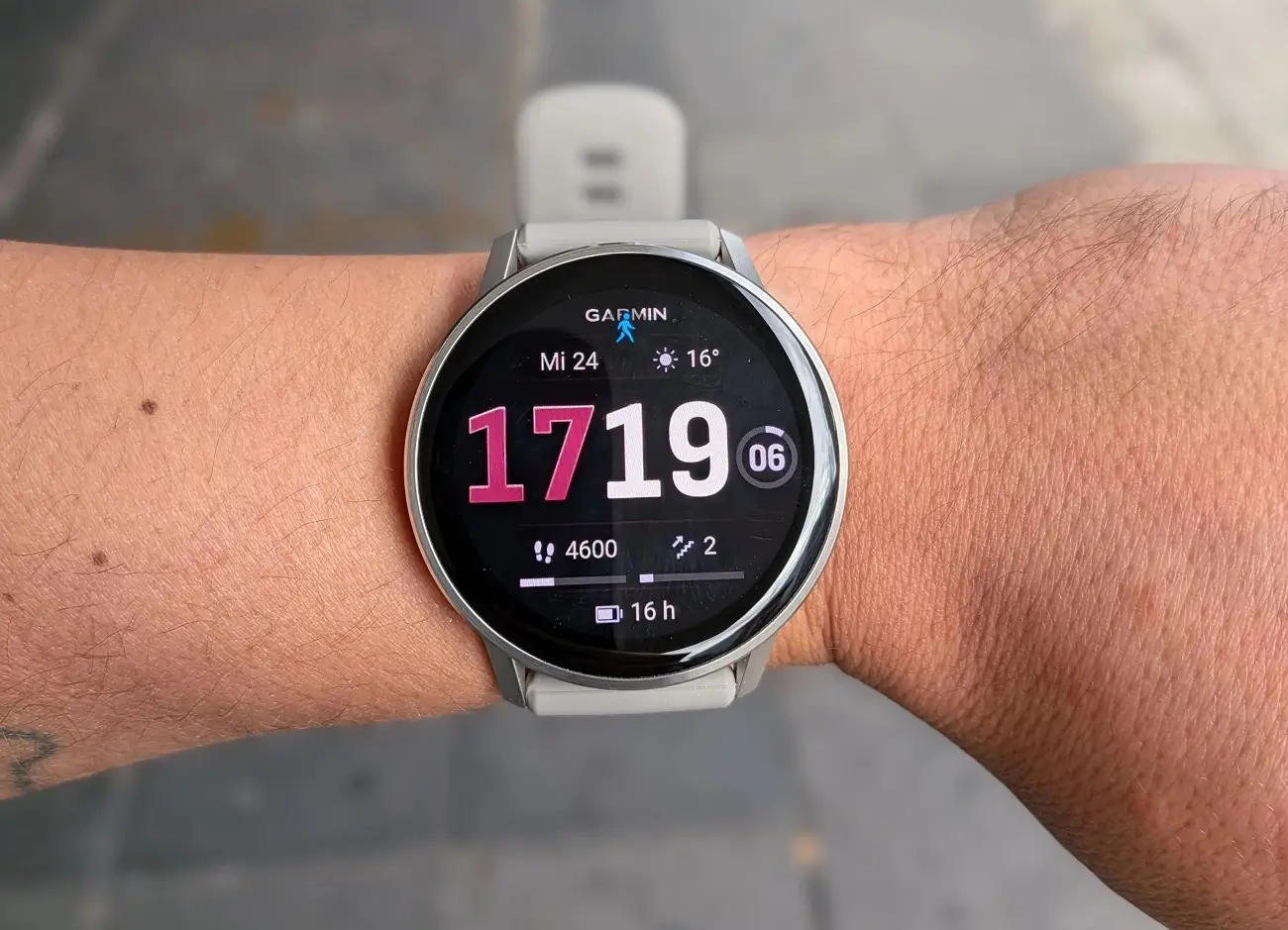
Garmin has started releasing a new beta software update for the Venu 4 smartwatch. The update, labeled version 18.19, brings a handful of useful tweaks and a long list of bug fixes to help the device run much more smoothly.
Smarter Flashlight Controls and Better Battery Life
One of the main highlights of this release is an upgrade to the built-in flashlight shortcut. When you are tracking an activity, you can now quickly toggle between turning the light on, switching it off, or setting it to strobe mode.
The update also tackles a frustrating bug that caused battery life to drain much faster than normal. On top of that, Garmin patched several background glitches that were causing the watch to suddenly crash and restart.
Big Fixes for Music and Audio Bugs
Music lovers will notice a few key fixes in this version. Garmin resolved an annoying issue where the volume would suddenly jump to 100% if a timer went off while working out.
Other audio-related fixes include:
-
Headphones disconnecting no longer force music to play out loud through the watch speakers.
-
Spectator voice messages will no longer get cut off halfway through.
-
Button alert tones that were too quiet to hear have been restored to normal levels.
-
Hourly chime announcements for the time and date now work properly again.
Workout Tracking and System Patch Upgrades
Runners who use PacePro to map out their workouts can now set target paces and times directly from the watch again. Garmin also fixed a bug that incorrectly displayed “running tolerance” as zero, alongside minor visual glitches like cut-off text on goal alerts.
For connectivity, edits made to your Live Track contacts on the watch will now properly sync over to the Garmin Connect mobile app.
How to Get the Update
If you are enrolled in Garmin’s Beta Program, your watch may download the update automatically over Wi-Fi. However, you can also trigger the download manually right now.
Simply open the Main Menu on your watch, go to Settings, select System, tap Software Update, and select Check For Updates.

