

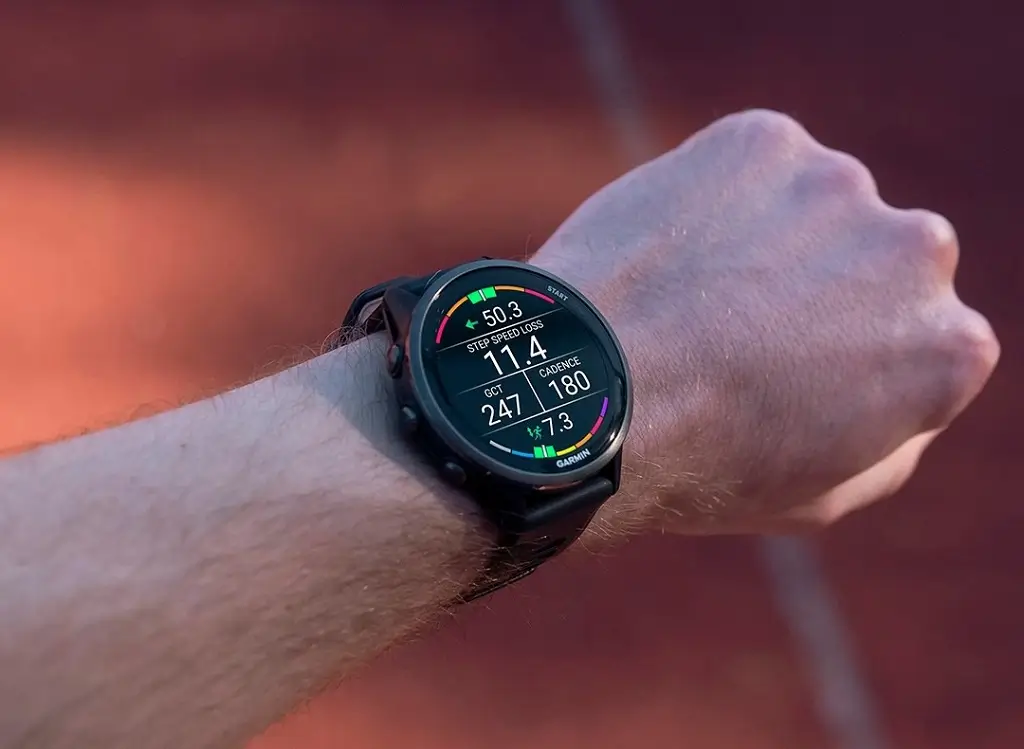
Garmin has started rolling out a new software update for its Forerunner 970 and 570 smartwatches. The new beta version 18.19 focuses mainly on squashing annoying bugs and improving a few daily features for runners and athletes.
What’s New with the Flashlight and Volume?
One of the main feature tweaks involves the built-in flashlight. During an activity, using the flashlight shortcut now lets you quickly cycle through on, off, and strobe modes without extra hassle.
Garmin also fixed a terrifying volume glitch. Previously, if a timer went off during a workout, your music volume could jump straight to 100%. That painful surprise has now been resolved, alongside an issue where music would suddenly play out loud through the watch speakers if your headphones turned off.
Audio and Spoken Features Get Fixed
If you rely on your watch speaking to you, this update brings several fixes:
-
Hourly Chimes: The spoken time and date will no longer randomly skip playing on the hour.
-
Button Sounds: An issue where button tones were too quiet—or completely silent—has been resolved.
-
Voice Controls: Palming the screen or pressing the back button now properly cancels the spoken watch face.
-
Spectator Messages: Audio messages from supporters will no longer get cut off mid-sentence.
Fitness, Maps, and Bug Fixes
The update fixes a bug where your running tolerance could incorrectly display as 0 on the device. Garmin also fixed a PacePro issue that prevented users from selecting goal pace or time options when creating a plan directly on the watch.
Additionally, the software fixes device crashes, cleans up minor text layout glitches, and resolves a bug where editing LiveTrack contacts on the watch failed to sync to the mobile app.
How to Download the Update
If your watch is enrolled in Garmin’s Beta Program, you can grab the update manually right now.
Just go to your watch’s Main Menu > Settings > System > Software Update > Check For Updates.

