

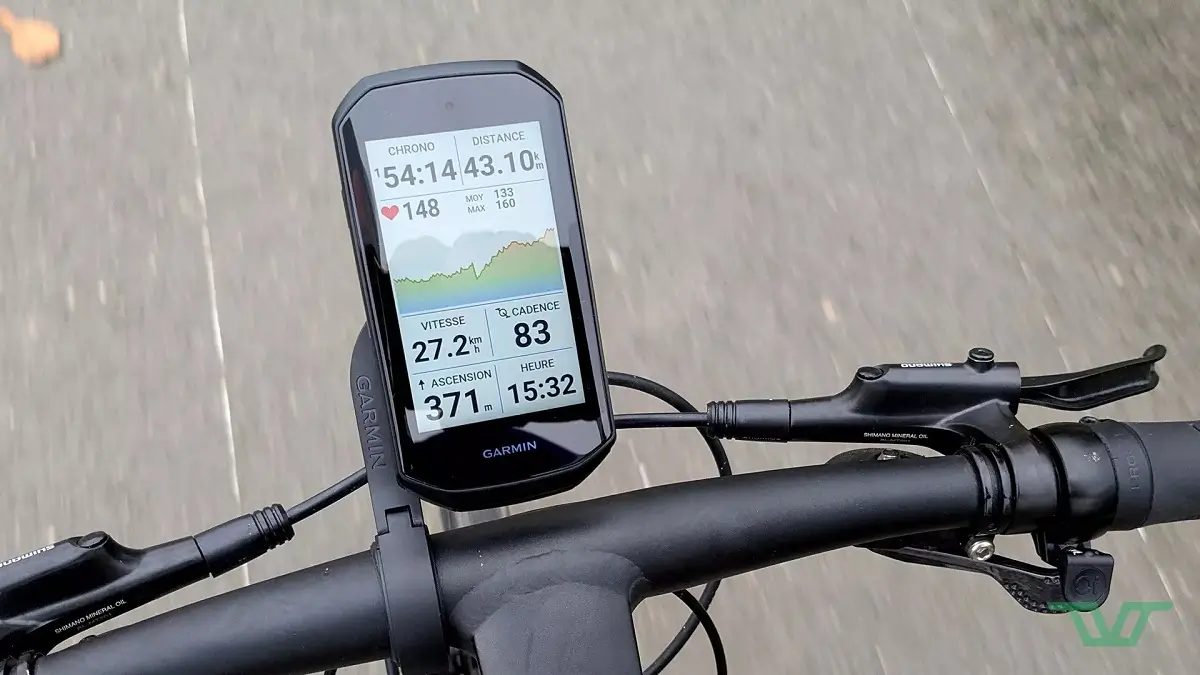
Garmin has started rolling out a fresh beta software update, version 32.15, for several of its popular bike computers. If you ride with an Edge 1050, 850, 550, or MTB model, this new release brings a handful of key fixes aimed at improving your daily rides.
What Fixes Are Included in the Update?
- Fixed issue with map datafield not updating
- Fixed issue with Auto-Enduro feature not showing correct state
- Improved device stability and addressed various minor bugs
The main goal of version 32.15 is to clear up a few annoying glitches that cyclists ran into during recent rides. First, Garmin fixed a bug where the map data fields would freeze and fail to update on screen. They also patched an issue with the Auto-Enduro feature, which previously showed the wrong status while active.
On top of those specific fixes, the engineering team focused heavily on overall device performance. This build includes general system stability tweaks to prevent sudden crashes, along with several behind-the-scenes bug fixes to keep your computer running smoothly.
How to Install Version 32.15
Installing the update only takes a minute, though you will need your device connected to a Wi-Fi network first. Once you are online, open the Main Menu on your Garmin Edge, tap System, head into the About section, and select Check For Updates to start the download.

