

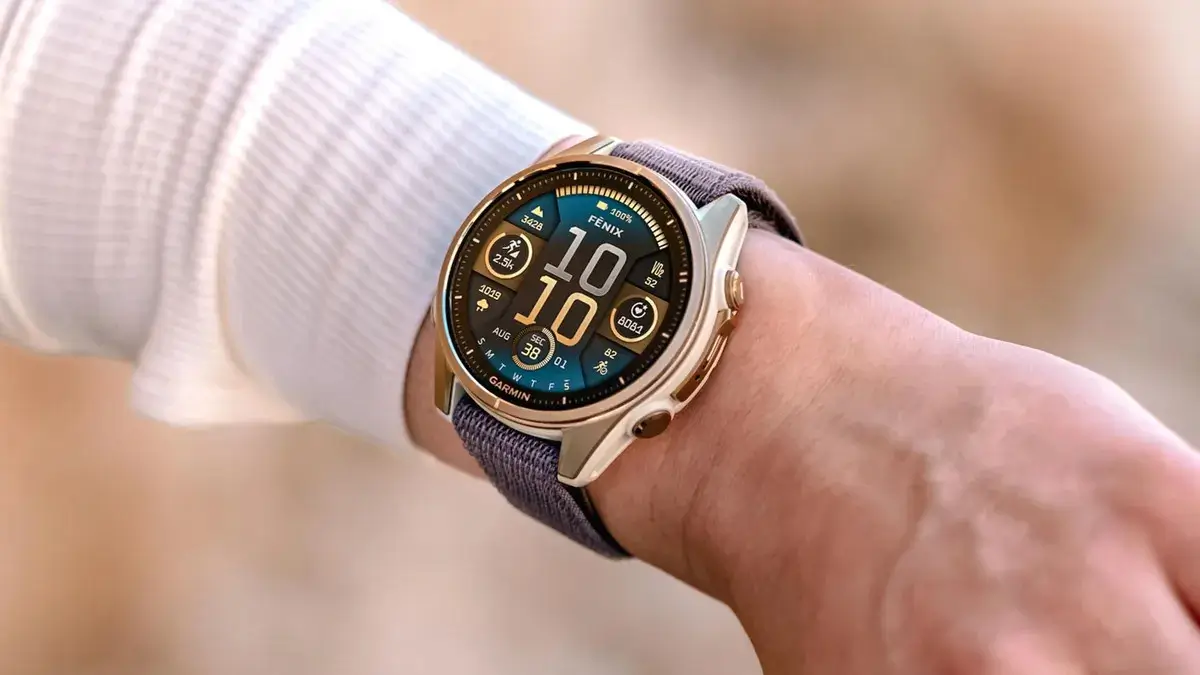
Garmin has started sending out a new stable software update for its top-tier outdoor watches. The latest patch, version 22.41, focuses on bug fixes to improve performance during specific workouts.
This update is rolling out to several popular models, including the Fenix 8, Fenix 8 Pro, Fenix E, Quatix 8, Tactix 8, and the Enduro 3.
What Changes in Update 22.41
- Fixes an issue that could cause the device to reset during a golf activity.
- Fixes an issue with treadmill calibration failing to result in more accurate treadmill distance.
The latest patch primarily focuses on resolving two major system bugs that directly impacted users during active workouts. First, the update addresses a critical stability flaw that caused watches to suddenly crash and restart right in the middle of a golf session. Second, it fixes a frustrating issue with the indoor running feature where treadmill calibration was failing to save or calculate properly. By repairing this calibration system, Garmin ensures that the watch can now accurately align its internal motion sensors with the treadmill’s console, delivering far more reliable indoor pace and distance data for runners.
How to Download and Install
While the update will automatically reach most devices over the air, you can install it right away if you do not want to wait.
To check for the update on your watch:
-
Open the Main Menu
-
Go to Settings
-
Select System
-
Tap Software Update and hit Check For Updates
Also Read: Garmin Buys Two Major Fitness Platforms as It Pushes Further Into Subscriptions

