

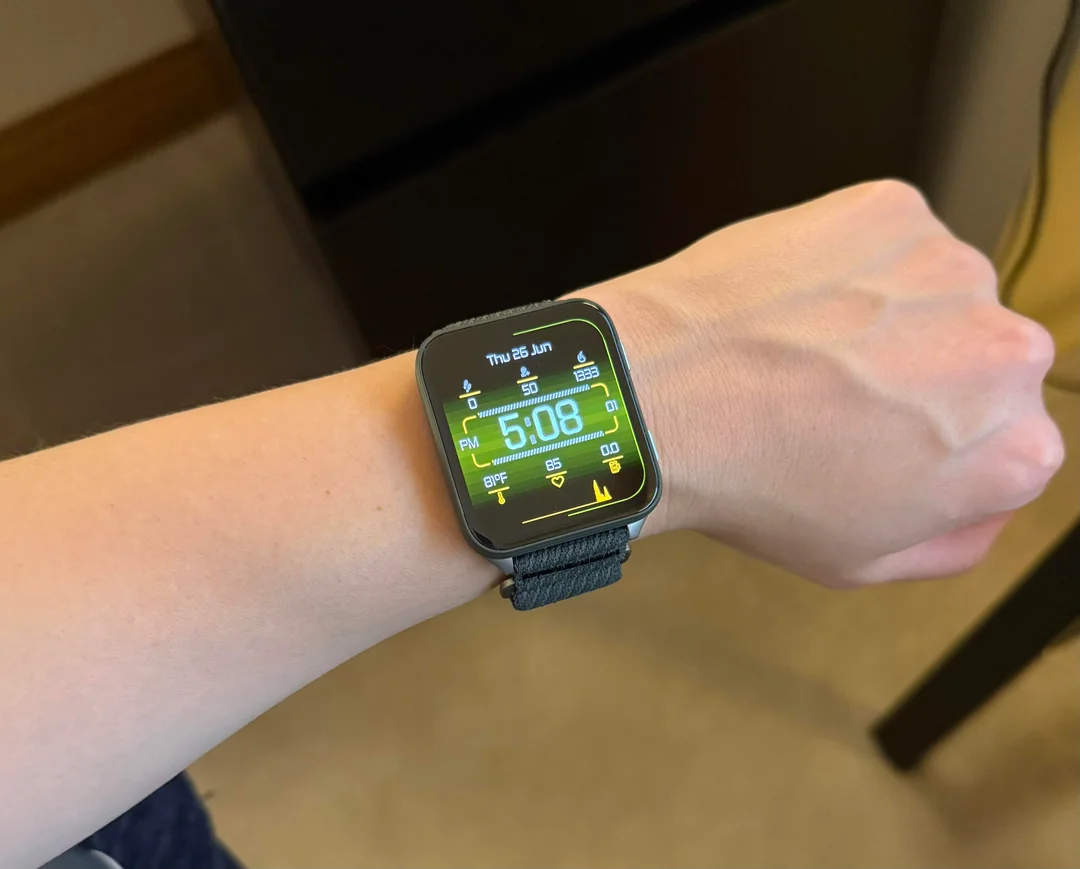
Garmin has officially started rolling out a new software update for its Venu X1 smartwatch users. The new beta release, labeled version 18.19, brings a host of stability fixes alongside a few functional upgrades designed to smooth out daily use and workout tracking.
Flashlight Improvements and Battery Fixes
The most noticeable physical update in version 18.19 is a refined shortcut for the built-in flashlight. Users can now seamlessly toggle through three light settings—turning it on, turning it off, or setting it to strobe mode—right in the middle of an active workout session.
Under the hood, Garmin focused heavily on performance stability. The update tackles severe system glitches that previously caused the watch to crash or suddenly reboot. Additionally, developers eliminated a background bug that was causing unexpected battery drain, giving users back their normal battery longevity between charges.
Sound and Media System Overhauls
A major portion of this release resolves annoying audio quirks. One key fix stops the watch from suddenly blasting music at 100% volume whenever a timer goes off during a workout. Bluetooth headphone users will also appreciate a patch that prevents audio from unexpectedly jumping to the watch’s built-in speakers when headphones are turned off.
General audio alerts get a solid cleanup as well. The update resolves issue with quiet or completely silent button tones, fixes broken hourly chime alerts, and ensures spectator voice messages no longer cut off halfway through. Swiping or palming the watch face now reliably silences spoken clock readings as intended.
Exercise and Daily Tracking Adjustments
Fitness fans gain several fixes for workout metrics and goal settings. Garmin repaired a bug where running tolerance could falsely display as zero on the wrist. Training setup is also back on track, as the watch now properly displays missing target time and target pace options when building a custom PacePro plan directly on the device.
Map data controls receive strict guardrails so users can no longer attempt to edit map screens when no editable data exists. Meanwhile, runners and walkers using LiveTrack will see their watch-side recipient edits sync smoothly over to the Garmin Connect mobile app without getting dropped along the way.
User Interface and Display Cleanup
Beyond fitness data, Garmin polished up visual clutter across the interface. Goal milestone alerts during activities will no longer suffer from truncated text, and long text message strings will no longer display strange blank spaces inserted before the message content.
Garmin wrapped up the 18.19 release notes by confirming several additional under-the-hood patches to polish system performance and fix remaining minor bugs across the operating system.
How to Install Version 18.19
For smartwatch owners enrolled in the beta testing program, the patch is available to download immediately directly from the device. Users can manually trigger the download by opening the watch’s Main Menu, tapping into Settings, opening the System tab, selecting Software Update, and hitting Check For Updates.

