

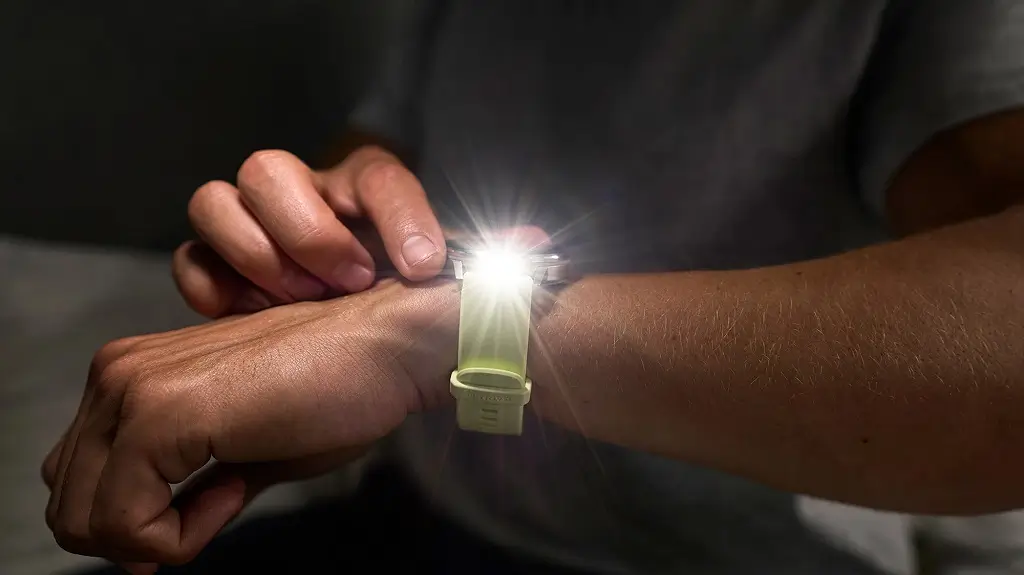
Garmin has officially released a new stable software update for its Venu 4 smartwatches. The new version, labeled 17.33, comes after more than two months of beta testing.
Big Upgrades for Golfers and New Silent Mode
This update brings several fresh features to the Venu 4, especially for golf lovers. If you have a Garmin Golf subscription, you will now get premium tools like green contour data, better CourseView maps, and “PlaysLike” distance tracking. The watch also now supports Approach CT1 club sensors.
For everyday use, Garmin added a handy silent mode. You can turn this on quickly using either the control loop or a button shortcut. Additionally, typing on the watch is now easier, as you can open the keyboard layout menu just by swiping up from the bottom of the screen.
Fixes for Sudden Crashes and Syncing Problems
A major focus of version 17.33 is fixing bugs that caused the smartwatch to randomly restart. Garmin fixed issues that made the device reset while recording activities, viewing the evening report, adding apps through the mobile app, or using WhatsApp on an iPhone.
The update also clears up data syncing errors. Users should no longer face failures when uploading activity files or syncing strength training personal records with Garmin Connect. Furthermore, upcoming race events and Garmin Coach workouts will now show up correctly on the watch.
Better Tracking for Workouts and Everyday Features
Garmin tweaked several workout modes to make them run more smoothly. The timer is now more responsive when you start it. For swimmers, the watch fixes an issue where pool workouts move to the next step on their own, and it ensures the watch vibrates for send-off times.
For runners and climbers, the update stops the watch from automatically detecting tracks during trail runs. It also fixes a bug where the back and down keys would stop working during indoor climbing and bouldering.
Finally, the update fixes a few everyday annoyances. It resolves a battery drain issue that happens after using the phone assistant or taking a call. It also ensures that weather data and sunrise/sunset times update correctly on the watch face.
How to Get the Update Now
While the software is rolling out automatically, you do not have to wait for it to hit your device.
You can download it manually right now by opening the Main Menu on your watch, navigating to Settings, selecting System, tapping Software Update, and choosing Check For Updates.

