

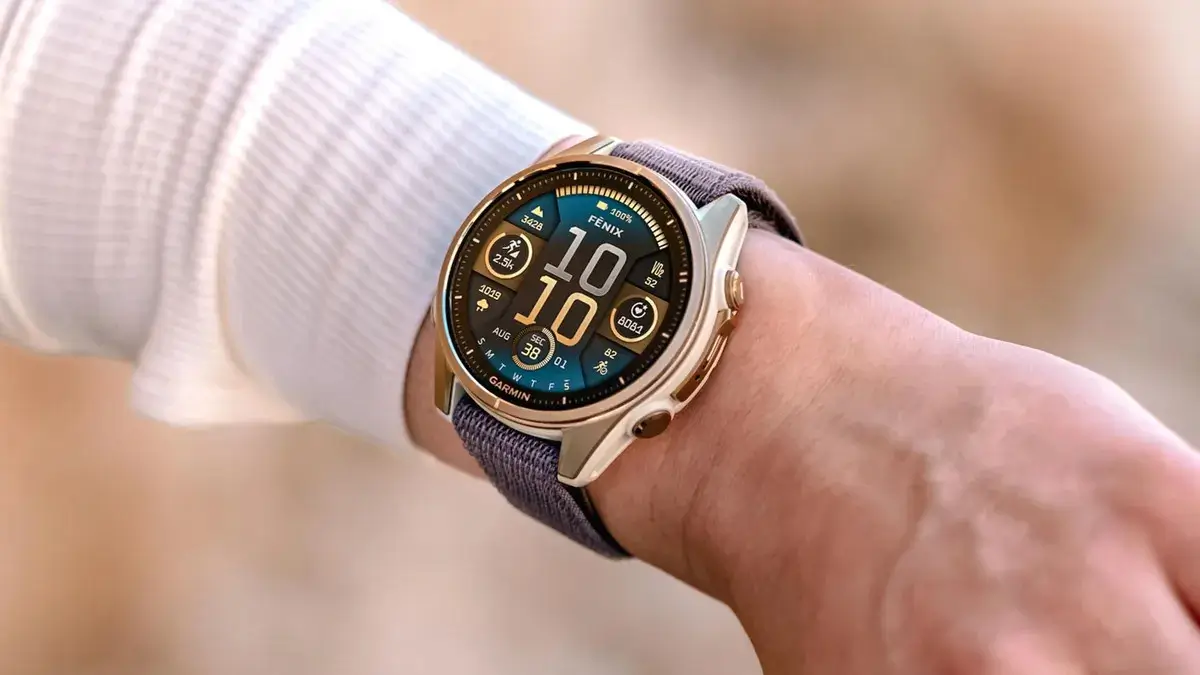
Just days after pushing out software version 23.31—which unfortunately left some users complaining about annoying brightness bugs and fast battery drain—Garmin is back with a swift response. Today, Garmin is rolling out a brand-new stable update, version 23.39, for the Fenix 8, Fenix E, and Tactix 8.
While the change log looks very similar to the previous release, it packs important fixes and tweaks that users hope will smooth out the software experience.
Fresh Features and Additions in Version 23.39
The new software introduces several handy features and interface updates to your wrist. Users can now enable the voice command feature using the simple “OK Garmin” wake word. For runners and winter sports enthusiasts, Garmin has added a suggested quick workout for running alongside a brand-new XC Ski Indoor activity profile.
Connectivity and outdoor tools also get a boost. The update adds dive computer settings sharing directly inside the Garmin Share app and brings support for Xero range and sensor data into the Applied Ballistics app. Additionally, Garmin has improved the flashlight shortcut so you can easily cycle through the on, off, and strobe modes during an activity. Other general additions include extra context added to volume control, reduced false unlocks when using the touch lock feature, and updated system translations.
Important Bug Fixes and Performance Improvements
Beyond the new features, version 23.39 tackles a long list of technical glitches and stability bugs that have popped up for users. Fitness tracking receives a major patch with a fix for an issue that could result in annoying pace and speed dropouts, especially during high-intensity interval training. Garmin also resolved several bugs causing the watch to unexpectedly reset, including issues during strength activity free workouts, HIIT workouts, or when installing audio prompt software and host files simultaneously.
Audio and music playback have also been cleaned up. The update fixes volume levels failing to return to normal after water ejection, as well as an issue where music volume would awkwardly increase after an alarm sounds. For Spotify users, the software addresses potential shutdowns when switching playlists and fixes a playback bug that occurred after skipping songs using paired Bluetooth headphones.
Finally, training plans and workout shortcuts are back on track. Garmin fixed the onscreen lap shortcut disappearing in HIIT workouts, resolved an issue preventing users from starting suggested multisport workouts, and cleared up bugs involving selecting rest days for daily suggested or Garmin Coach workouts—ensuring the training days shown on your watch finally match your Garmin Coach plan. A handful of other minor system issues have also been ironed out.
How to Manually Download Update 23.39
Because Garmin typically rolls out stable updates in gradual waves rather than all at once, you might not see an automatic notification waiting on your watch just yet.
If you want to skip the wait and grab version 23.39 right away, you can force your watch to check for it manually by heading to:
Main menu > Settings > System > Software Update > Check For Updates
Also Read: Garmin Fenix 8 Update 23.31: Users Report Brightness Bugs and Fast Battery Drain

