

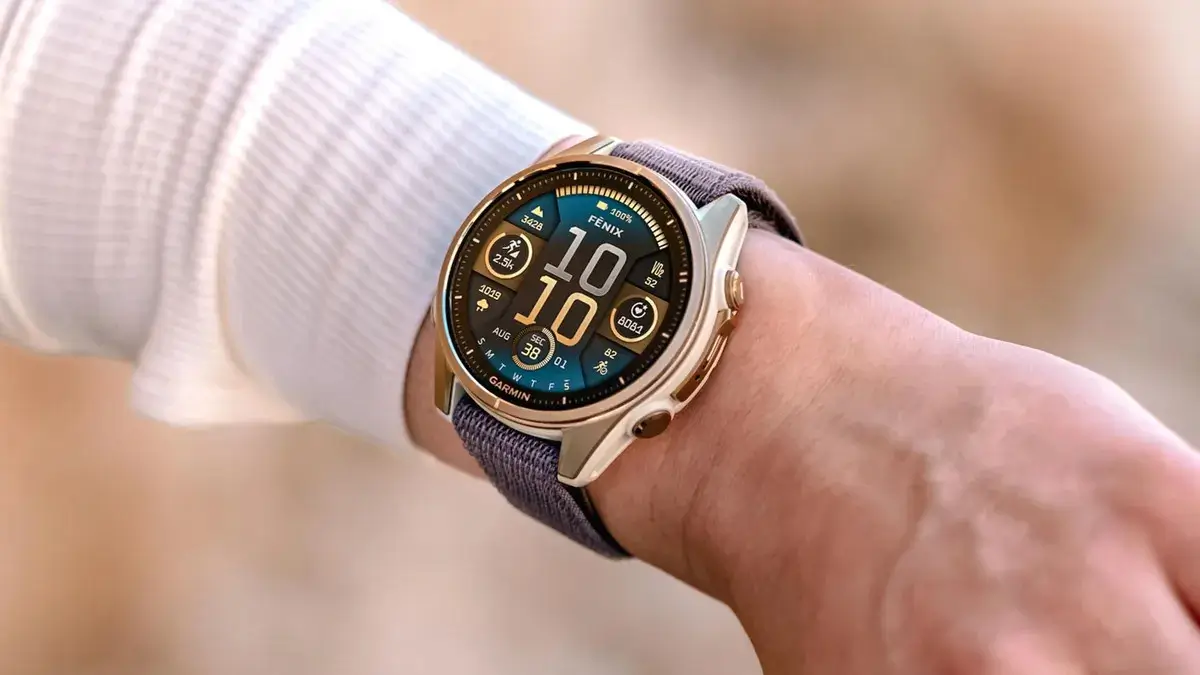
Garmin is rolling out a new beta software update, version 23.27, for several of its top-tier smartwatches. The pre-release patch is available for owners of the Fenix 8, Fenix 8 Pro, Fenix E, Quatix 8, Tactix 8, and Enduro 3 models. This release is designed to polish the user experience across these high-end wearables by addressing various bugs that slipped through previous builds.
Note: The Beta software available for the Fenix 8 series will have the ECG feature and Dive features Disabled.
Screen and Display Tweaks
A major focus of this update is fixing glitches connected to the watch displays. Garmin addressed an issue that caused unpredictable screen behavior, which was making touch gestures feel erratic and slow to respond. Additionally, the software resolves a bug where the “Always On” display setting would fail to activate, leaving users with a dark screen even when the feature was turned on in the settings menu.
Smart Features and Media Control
Beyond display fixes, the 23.27 patch clears up frustrations with everyday smart connectivity and media playback. Users previously reported that their phone’s voice assistant would stop working entirely if an incoming phone call interrupted it. This build fixes the issue so you can continue using voice commands without restarting the app.
Garmin also resolved a bug that prevented music from pausing properly when the watch was set to control playback on a connected smartphone. A handful of other minor performance and system stability bugs were cleaned up as well.
How to Get the Patch
If your smartwatch is already registered in Garmin’s public beta program, downloading the update is straightforward. You can grab the patch manually over-the-air without needing to plug your watch into a computer.
To download the update directly on your device, open the Main Menu on your watch, navigate to Settings, tap System, select Software Update, and then tap Check For Updates.
Also Read: Garmin Fenix 9 and Fenix 9 Pro Announced: Everything New in the Outdoor Flagships

