

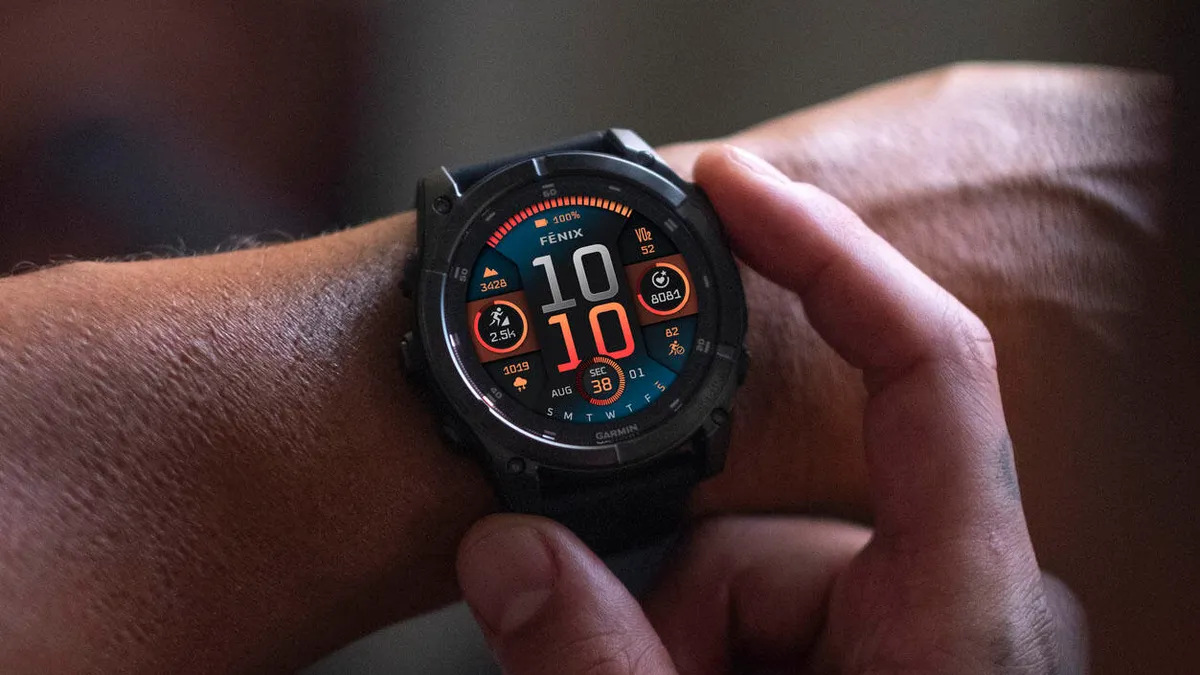
Garmin is rolling out a brand-new beta software update, version 23.38, for several of its top-tier outdoor watches. If you are wearing a Fenix 8, Fenix E, Fenix 8 Pro, Quatix 8, or an Enduro 3 model, keep an eye out for this drop.
Interestingly, the change log looks completely identical to the previous version 23.34. However, Garmin is still pushing it out to fine-tune system performance and squash some lingering bugs.
Note: The Beta software available for the Fenix 8 series will have the ECG feature and Dive features Disabled.
New Workout Additions and Features on Your Wrist
Even though it mirrors the last beta release, this software brings some handy tools to your daily training. Runners will notice new suggested quick workouts, while winter sports fans get a brand new XC Ski Indoor activity profile. Divers can now share dive computer settings directly through the Garmin Share app, and the Applied Ballistics app gains support for Xero range and sensor data. Plus, you can now enable hands-free voice commands using the simple “OK Garmin” wake word.
Major Fixes for Interval Training, Audio, and Music Crashes
A huge part of this update is dedicated to squashing bugs that have been bugging users during workouts and daily use. Garmin fixed an annoying glitch that caused pace and speed dropouts during interval training. It also stops the watch from randomly resetting during free strength workouts and brings back the missing on-screen lap shortcut for HIIT sessions.
Other fixes target workout planning by solving issues with starting suggested multisport workouts and selecting rest days for Garmin Coach plans. On the audio side, the update stops music volume from spiking after an alarm goes off, fixes volume levels returning to normal after the water ejection feature runs, and patches potential system shutdowns when switching Spotify playlists or skipping tracks with Bluetooth headphones. Garmin also improved the flashlight shortcut so you can cycle through on, off, and strobe modes mid-activity, reduced accidental touch unlocks, and updated system translations.
Important Warning Before You Download the Update
Before you go ahead and install the new software, Garmin has issued a specific warning for climbers. The company found a bug that can cause the device to crash when recording an Indoor Climb activity. If indoor climbing is a regular part of your fitness routine, Garmin recommends waiting for the next beta release before updating your watch.
How to Install the Beta Update Manually
If you want to grab the update right now instead of waiting for it to roll out automatically, you can check for it directly on your wrist. Simply navigate to your main menu, go to Settings, select System, click on Software Update, and tap Check for Updates to start the download.
Also Read: Garmin’s New “Biplanar Slot Antenna” Patent Teases the Future of Smartwatch GPS and Antenna Design

