

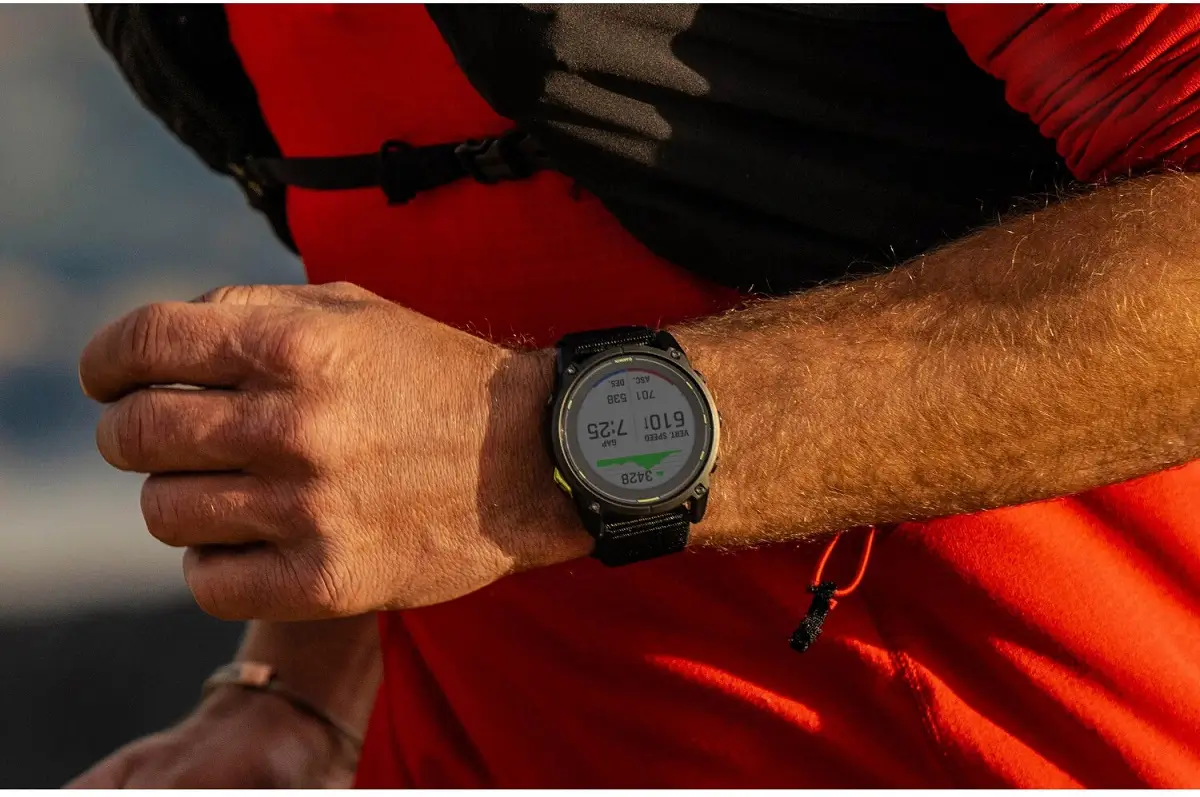
Garmin has officially released the fresh stable Software Update 23.39 for the Enduro 3. This comes just days after the company pushed the same major update to the Fenix 8, Tactix 8, and Fenix 8 Pro lineups. With this release, Garmin’s top-tier outdoor sports watches are now all running on the same feature-packed software version.
Fresh Workout Features and Smarter Controls
Garmin is bringing several exciting additions to help you train smarter. The update introduces suggested quick workouts for running, making it easier to jump into a session without planning ahead. Winter sports fans will also appreciate the brand-new XC Ski Indoor activity profile.
Day-to-day usability gets a nice boost as well. You can now enable the voice command feature simply by using the “OK Garmin” wake word. Volume control now features clear context on the screen, and Garmin fixed a bug where the volume level failed to return to normal after running the water ejection tool. Plus, the flashlight shortcut has been improved so you can easily cycle through the on, off, and strobe modes right in the middle of an activity.
Sharing and Advanced Tracking Upgrades
For tech-heavy tools and sharing features, Garmin has made some very welcome tweaks. The Garmin Share app now lets you share dive computer settings seamlessly between devices.
If you use advanced tactical features, the Applied Ballistics app on supported models now includes full support for Xero range and sensor data. Additionally, Garmin tweaked the touch lock feature to reduce false unlocks, meaning your watch won’t accidentally register random touches while you are moving around.
Major Bug Fixes for Workouts and Music
A big focus of update 23.39 is squashing annoying bugs that users have run into. Runners will be glad to hear that a fix has been pushed out for pace and speed dropouts, especially during tough interval training sessions.
Gym-goers and multisport athletes also get relief: Garmin fixed an issue that could cause the watch to restart during a free strength workout, brought back the missing on-screen lap shortcut for HIIT workouts, and cleared up bugs that prevented users from starting suggested multisport workouts or properly picking rest days for Garmin Coach plans.
Smoother Audio and Spotify Playback
Music lovers and podcast listeners can expect a much more stable audio experience. The update fixes an annoying bug where music volume would randomly shoot up after an alarm went off.
It also addresses potential device shutdowns when switching playlists in Spotify, fixes music playback hiccups after skipping songs using paired Bluetooth headphones, and stops crashes that could happen when installing audio prompt software.
How to Get the Update
You don’t have to wait for the update to slowly download in the background. You can check for it and install it manually right now.
Just follow these steps on your watch:
-
Open the Main Menu.
-
Go to Settings.
-
Select System.
-
Tap on Software Update.
-
Select Check For Updates.
Also Read: Garmin Breaks Down Massive Summer 2026 Software Updates in New Official Guide

