

Over the past few months, I have been keeping a close eye on how Garmin’s software updates have rolled out from beta testing into fully polished stable releases. From the major features dropping in stable update 23.31 for the Fenix 8 series, Tactix 8, and Enduro 3, to fresh updates like stable version 18.30 for the Venu 4 and version 18.29 for the Forerunner 970 and 570, it has been an action-packed summer for fitness tracking enthusiasts.
Now, Garmin has dropped a brand-new official support video walking users through these exact updates and showing precisely where to find them. If you want to watch the official breakdown yourself, you can check out the video below:
To help you navigate all the latest additions, here is a breakdown of the headline features and how they work on your compatible devices.
Compatible Watches:
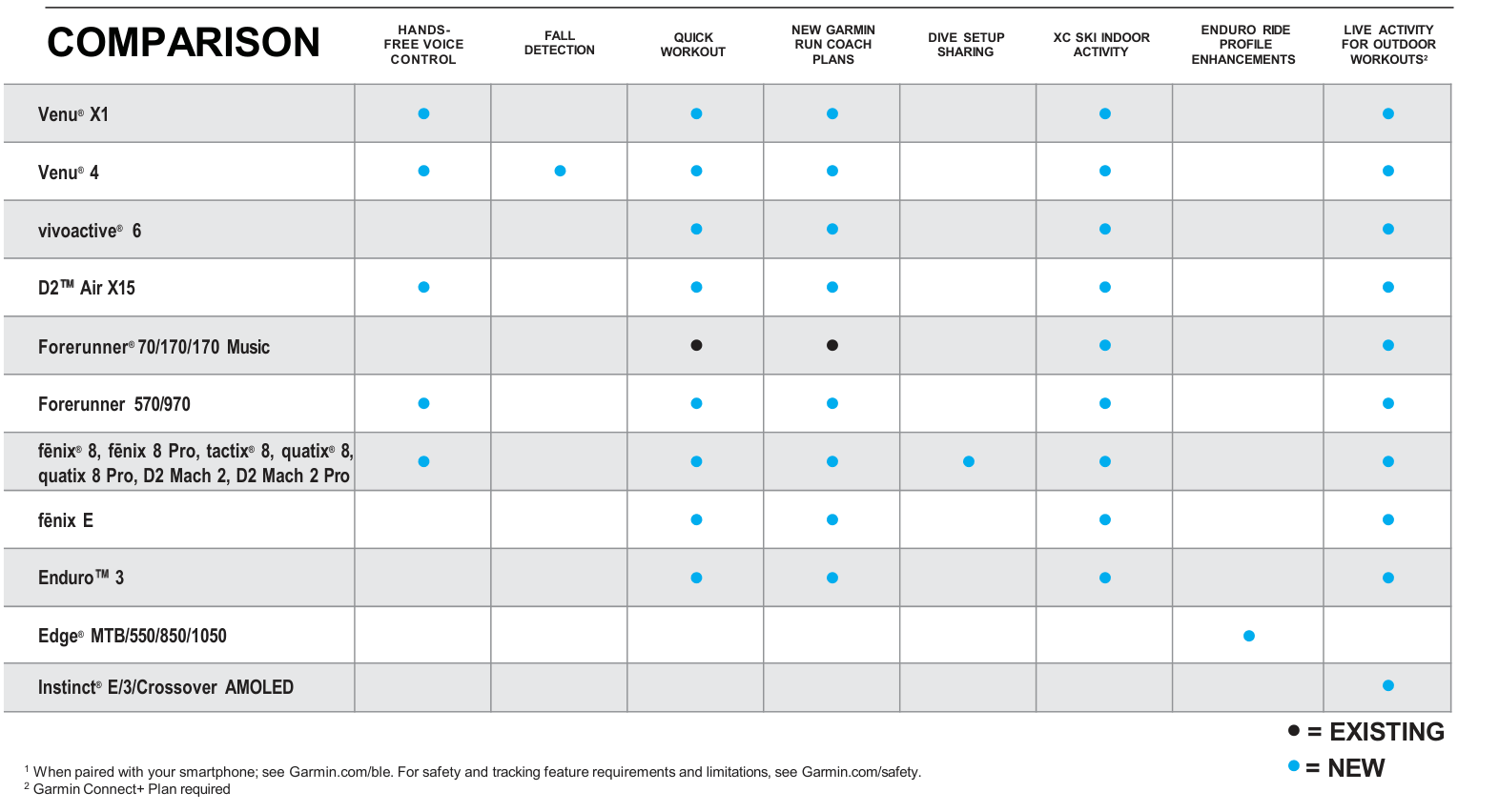
Hands-Free Voice Control Lands on Smartwatches
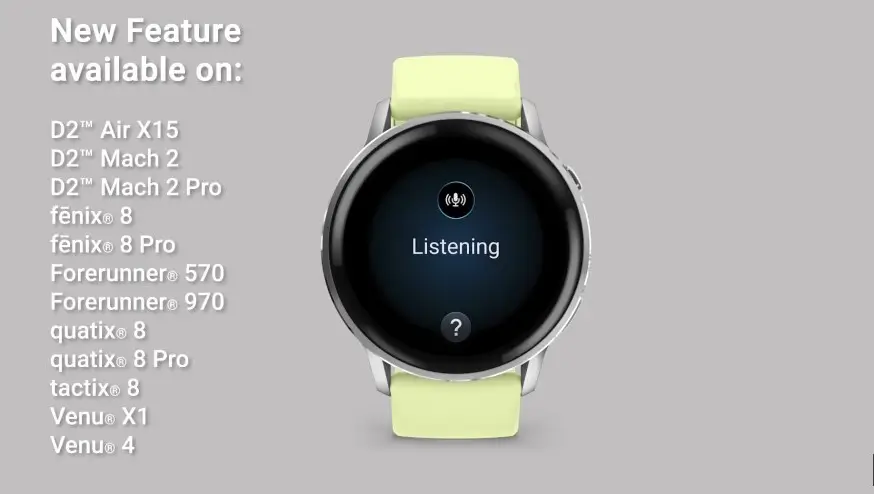
If you wear a compatible Garmin smartwatch, you no longer have to rely solely on manual button presses to get things done on the go.
This update introduces onboard voice command support to start activities, set timers, and more easily. It can even trigger your smartphone’s digital assistant right from your wrist. To use it, wake up your smartwatch and say, “Okay Garmin,” followed by the specific command you want the watch to execute.
Upgraded Garmin Run Coach Plans Get Smarter
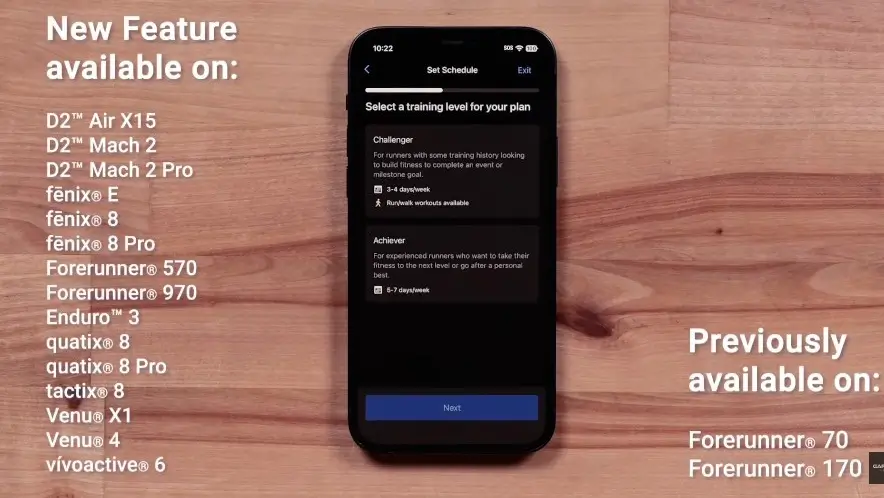
Training for an upcoming race or trying to level up your overall fitness just got a bit easier. Garmin has rolled out a major refresh to its Run Coach platform.
The updated system now includes run-walk options and lower-volume workouts tailored for different milestones. Best of all, the plan adapts dynamically on a daily basis to provide personalized workouts based on your actual performance, recovery status, and health metrics. You can set this up directly inside the Garmin Connect app by heading to More > Training & Planning > Garmin Coach Plans, selecting running, and following the setup wizard.
New Quick Workout Feature for Runners
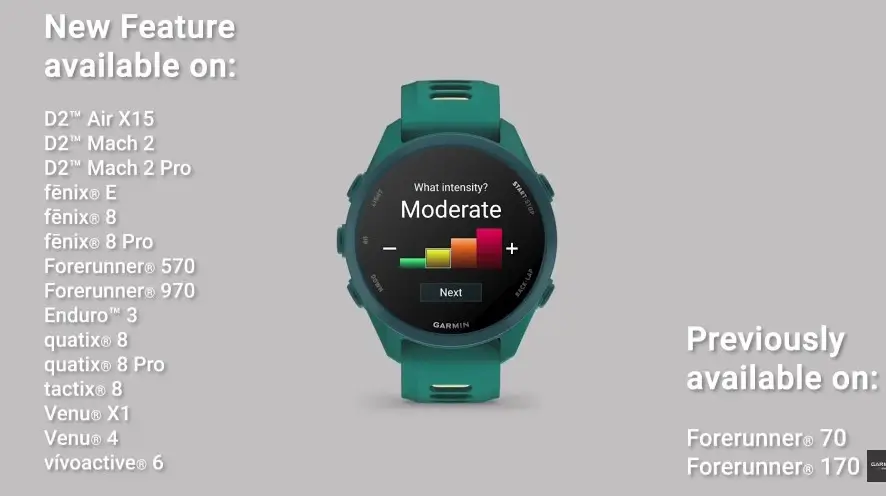
Short on time but still want a structured training session? A handy new quick workout feature is now built directly into running profiles.
This addition lets you quickly generate up to four tailored workouts based on your desired intensity level and the amount of time you have available. You can access it right from your pre-activity screen by opening your run profile, selecting training, and tapping quick workout before you head out the door.
Indoor Cross-Country Ski Support and Garmin Share
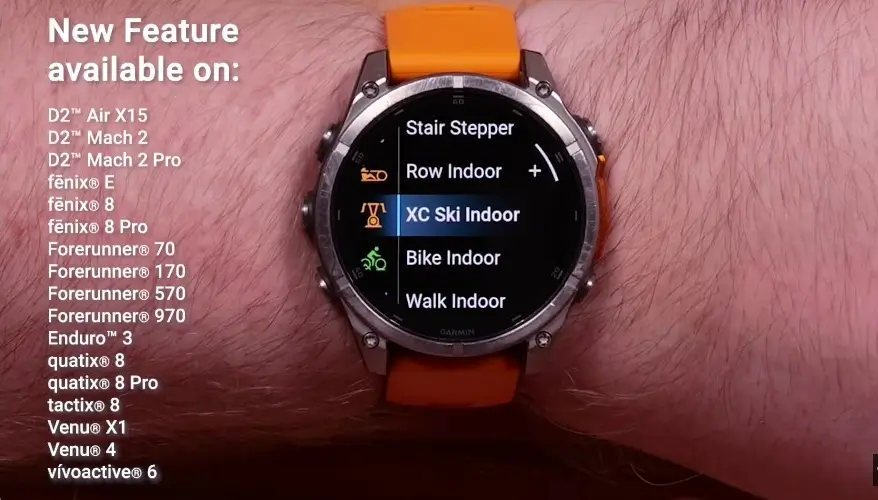
Winter sports fans and multi-device owners also received some great quality-of-life additions in this summer software wave.
Select Garmin smartwatches now feature a cross-country ski indoor activity mode, allowing you to pair your watch directly with indoor ski machines to track metrics like stroke rate, active timers, and continuous heart rate data. Additionally, Garmin Share makes it seamless to sync dive settings between primary and backup dive computers, or share saved locations, courses, and workouts directly with nearby Garmin devices without needing a connection to your Garmin Connect account.
Dive Setup Sharing via Garmin Share
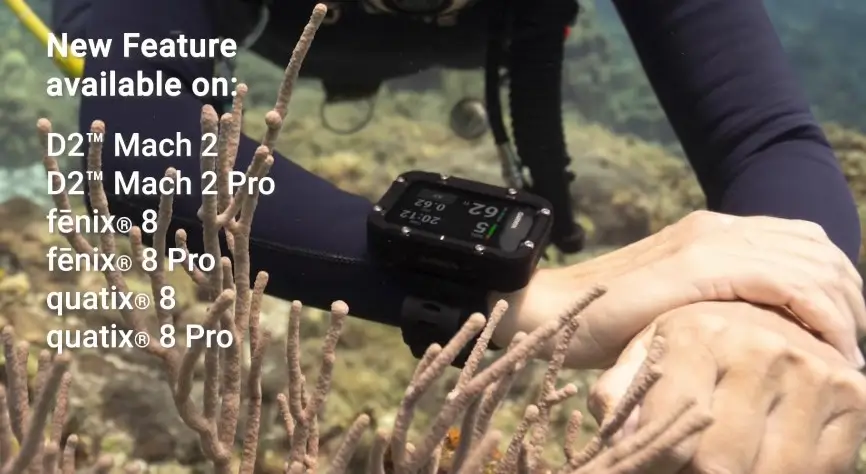
For scuba divers and technical underwater explorers, Garmin has introduced a seamless way to manage multiple devices.
You can now easily sync your dive settings between a primary dive computer and a backup unit using Garmin Share. This allows you to share custom dive configurations, profiles, and data directly with a dive buddy or your own secondary device within a 10-foot (3-meter) range, without needing to reconfigure everything manually.
All-Day Fall Detection Arrives on the Venu 4
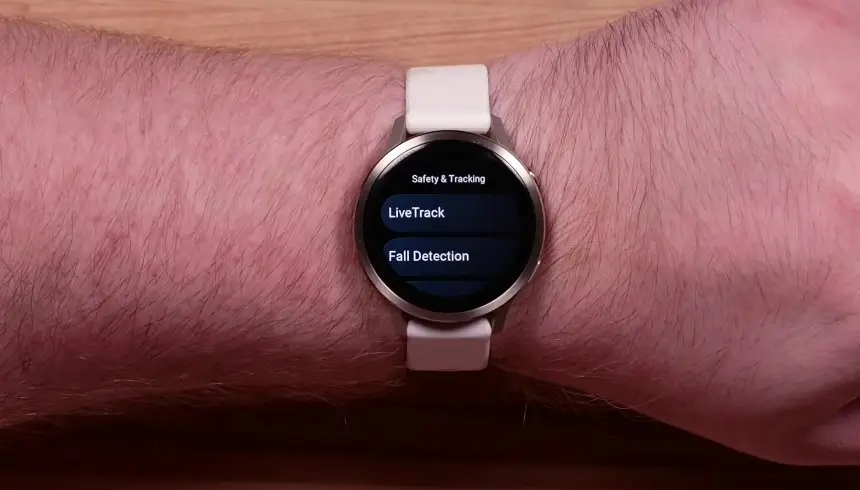
Safety features are expanding further across the lineup, with the Venu 4 receiving a major standalone upgrade.
The Venu 4 now includes all-day fall detection. When the watch detects a severe fall, it automatically triggers a message containing your live location to your preset emergency contacts, provided the watch is paired to the Garmin Connect app and connected via Bluetooth to your phone.
Auto Climb and Descend for Edge Cycling Computers

Cyclists utilizing compatible Edge cycling computers will notice a smoother ride during mountain adventures and trail sessions.
During an enduro activity, your Edge device will now automatically switch between climbing and descending display changes mid-ride. This completely automates data visibility so you can stay fully focused on the trail ahead without manually clicking through data screens.
It is great to see these tools move out of beta and into the hands of everyday users. Be sure to watch the video embedded at the top of this article for a visual walkthrough straight from Garmin Support on where to find and set up these features on your device.
Also Read: Garmin’s New “Biplanar Slot Antenna” Patent Teases the Future of Smartwatch GPS and Antenna Design

