

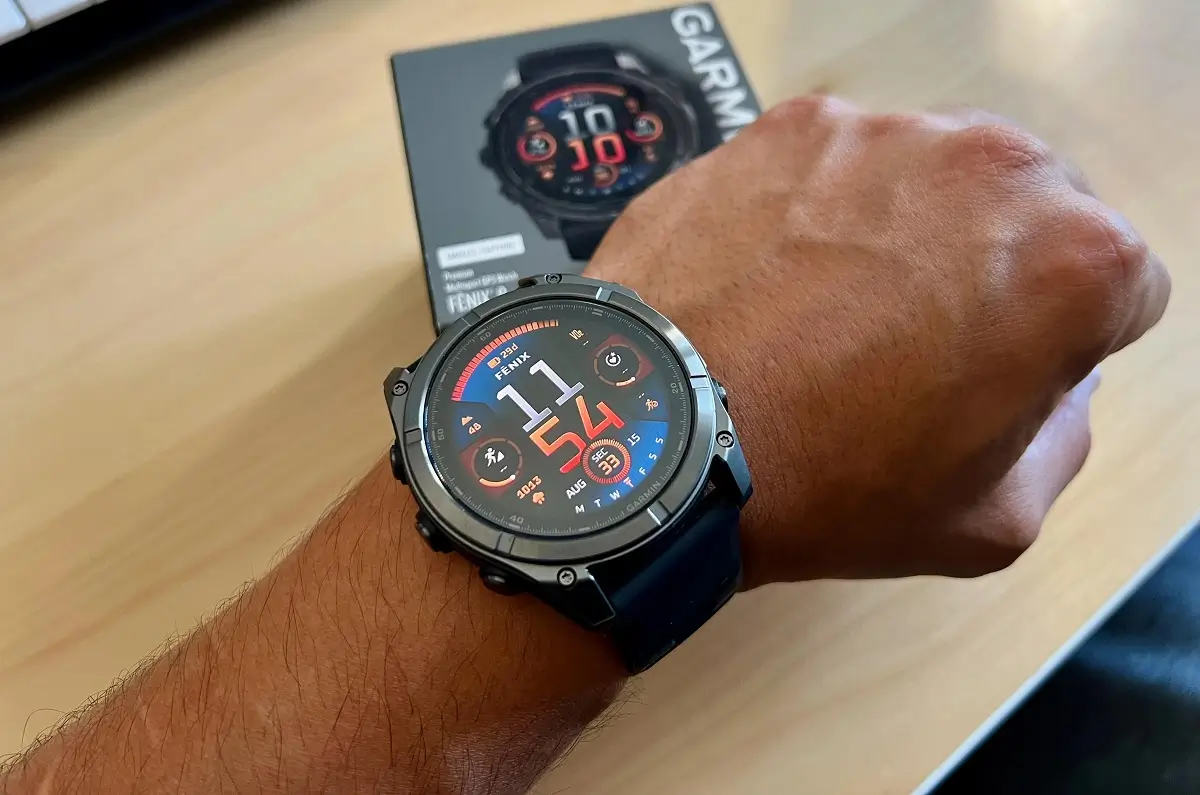
Garmin has rolled out a new software update for its desktop application to fix a frustrating glitch. For weeks, the bug prevented owners of its newest, high-end smartwatches from downloading maps and software updates.
The issue has been resolved with the launch of Garmin Express version 7.29.0 for Windows. Users who install this latest version report that their devices are finally syncing and updating normally again.
What Was the Problem?
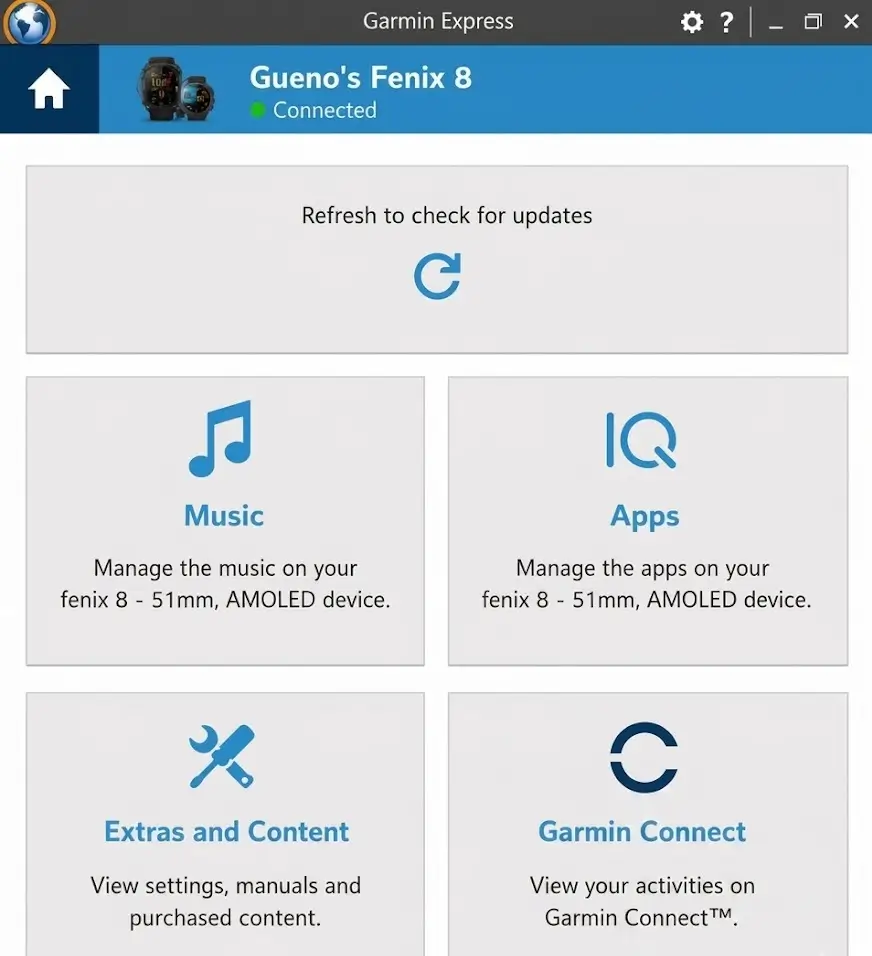
The glitch was especially annoying for users because Garmin Express could actually see the connected watches. However, the top panel of the app failed to load the usual update options. Instead, users were stuck looking at a generic screen that kept telling them to refresh and check for updates over and over again.
This bug created a major headache because offline maps are a key selling point for Garmin’s premium devices. The issue started for many users after they updated their watches to firmware version 21.39. Previous attempts to fix the app, including version 7.28.1, did not solve the problem.
Which Watches Were Affected?
The glitch mostly targeted Garmin’s latest and most expensive models. While early complaints came from owners of the fēnix 8 series (including the AMOLED and Sapphire versions), the bug also blocked updates on several other premium watches:
-
Forerunner 970
-
Enduro 3
-
tactix 8
-
D2 Mach 2 Pro
Annoying Workarounds
Before this official fix arrived, desperate users had to rely on clumsy workarounds. Some had to open the desktop app first, click the map settings, and only plug in the watch when prompted. Others avoided the computer entirely, downloading heavy map files directly onto the watch using slow Wi-Fi connections.
A few users even completely reset their watches to factory settings. While this worked for some, it meant losing all their custom settings, sports profiles, and personalized data screens—a massive hassle for an expensive sports watch.
How to Fix It Now
If you own one of these watches and are still seeing the annoying refresh screen, do not reset your device.
Instead, open Garmin Express on your Windows computer and update the application to version 7.29.0. Once the app updates, plug your watch back in. The update screen should load correctly, and your map management tools will be fully restored.


This update fixed the issue for my Enduro 3. It’s just a shame that Garmin had to withdraw the latest version of the Western Europe Map (2026.10) because it caused devices to crash.
Let’s hope we see a map update in Europe soon!