

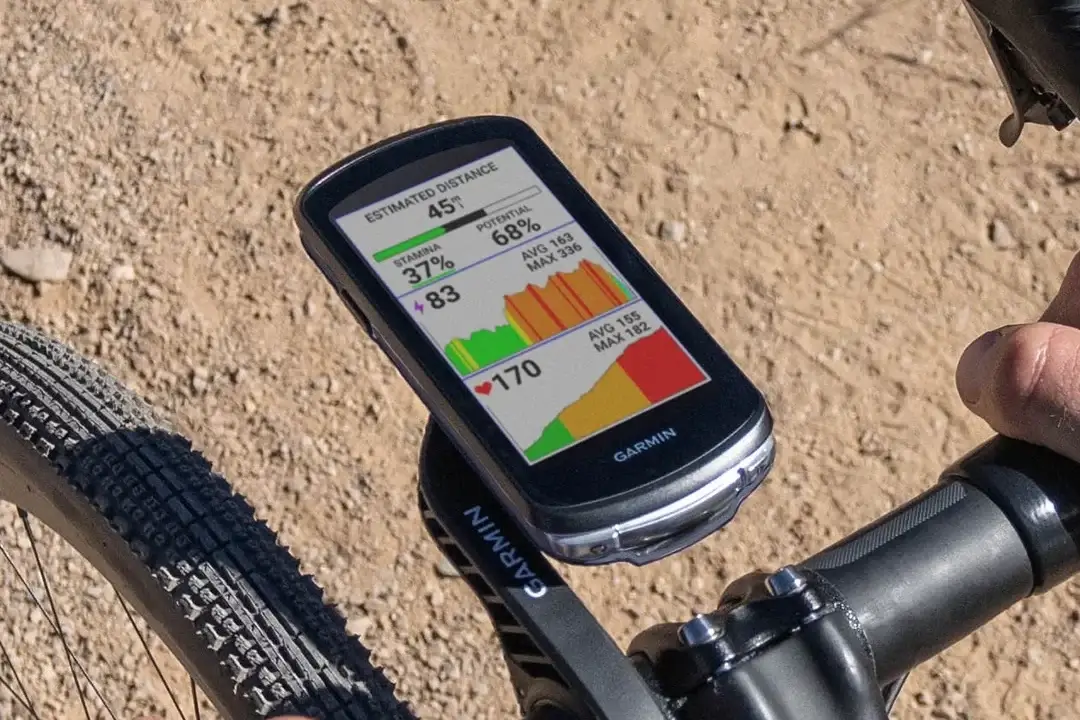
Garmin just surprised cycling fans by launching a fresh software update, version 31.31, for its popular Edge bike computers. This news comes just 20 days after their last big update, version 31.30. It looks like the company wanted to fix a few nagging bugs as quickly as possible.
The new software is available for a wide range of devices. If you own the Edge 1050, 1040, 850, 840, 550, or 540, your device is on the list for this quick tune-up.
What Does the Update Fix?
- Fixed crash when maps are corrupted.
- Fixed incident detection not triggering in some cases.
This isn’t a massive update with flashy new features. Instead, Garmin focused on making the devices more reliable and safer to use.
First, they patched a frustrating issue that caused the bike computers to crash whenever a map file got corrupted. Second, and more importantly, they fixed a bug with the safety system. Previously, the “incident detection” feature—which alerts emergency contacts if you have a crash—was failing to trigger in certain situations. This update ensures it works when you need it most.
How to Get the Update on Your Device
Getting the new software onto your Garmin Edge is a straightforward process, but you will need a wireless connection to do it.
First, make sure your Edge device is connected to a local Wi-Fi network. Once you are online, open the Main Menu on your screen. From there, tap on System, then scroll down and choose About. Finally, hit Check For Updates, and your device will handle the rest.


Does the Garmin 1050 require a European SD chip when travelling in Europe? If so, where is it installed?
No, the Garmin Edge 1050 does not require (and cannot even use) a microSD chip
Go to Garmin Express and see your Map Manager tab when you plug in your device. You can then select the TopoActive map(s) that you want to use in Europe.