

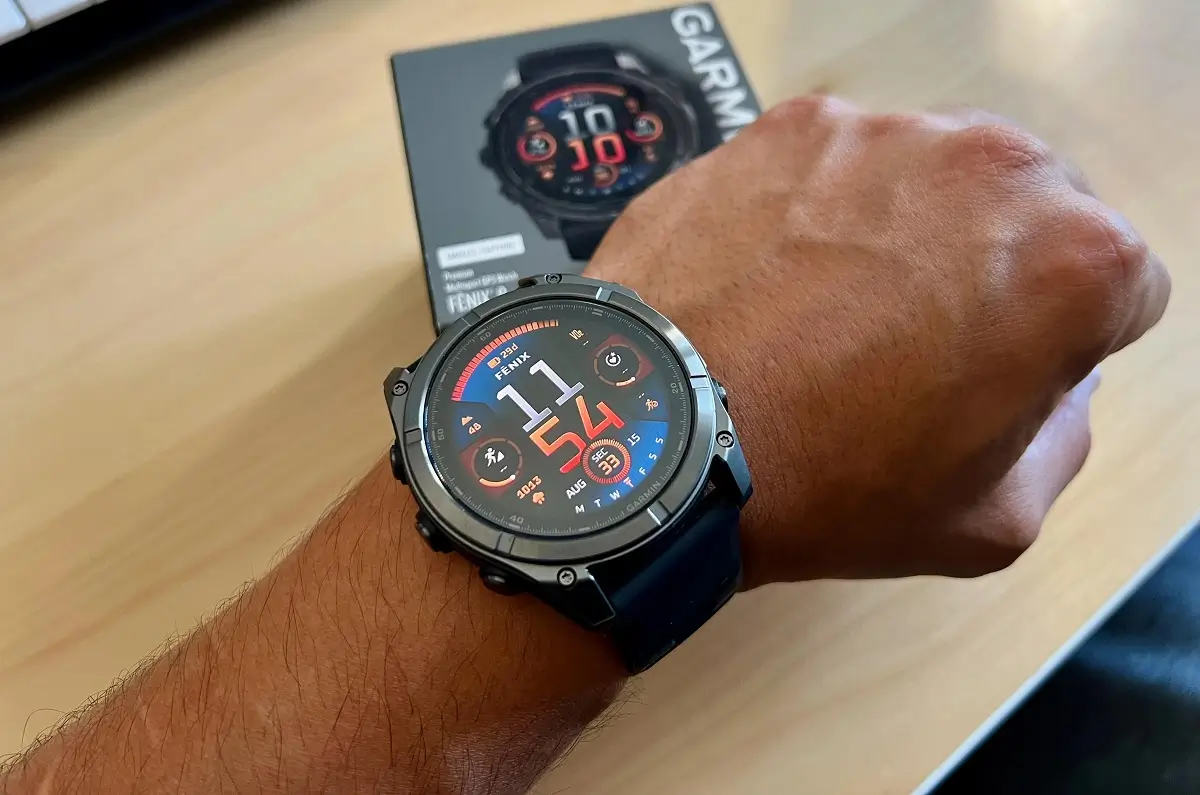
Garmin is pushing out a brand new beta software update for several of its top-end smartwatches. If you own a Fenix 8, Fenix E, Quatix 8, Enduro 3, or Tactix 8, your wearable is about to get a whole lot smarter.
The new update, officially named version 23.11, brings a mix of fresh features, interface tweaks, and much-needed bug fixes to improve how these premium devices perform on a daily basis. Here is a complete breakdown of everything changing on your wrist.
Note: The Beta software available for the Fenix 8 series will have the ECG feature and Dive features Disabled.
Fresh Training and Activity Features
For athletes, the update introduces a new indoor cross-country skiing activity and includes a handy feature that suggests a quick running workout right when you need it.
Garmin has also improved how you interact with your training schedule. You can now tap or swipe your screen to quickly dismiss the banners that show upcoming or completed workout steps. Furthermore, the update fixes a glitch that previously blocked users from starting suggested multisport workouts, and it fixes an issue where you couldn’t edit structured repeat intervals if you tried starting them directly from your morning report.
HIIT trainers will also be glad to hear that the onscreen lap shortcut, which had mysteriously vanished, is now back in place.
Smart Assistant and Navigation Tweaks
One of the biggest highlights in this update is the addition of the “OK, Garmin” wake word, meaning you can finally use your voice commands completely hands-free.
Navigating with maps gets a bit easier, too. You can now toggle your map view between “North Up” and “Track Up” with a simple touch. Garmin has also improved the map layout by fixing a bug where the map scale was being cut off when using a split screen.
Additionally, the update gives you more control over your evening routine by allowing you to completely disable sleep suggestions in your evening report. The watch will also update your weather location more frequently so your data stays accurate throughout the day.
Specialized Tools for Divers, Hunters, and Swimmers
This update brings unique improvements for specific hobbies. For divers, you can now share your dive computer settings directly through the Garmin Share app. The update also fixes an error that was displaying incorrect “longest dive” data in the Garmin Connect news feed.
If you use the Applied Ballistics app, your watch now supports Xero range and sensor data. Additionally, the system will allow longer names for course points.
For swimmers, the watch is getting smarter about how it handles your heart rate data. From now on, the watch will only attempt to download stored heart rate information after a swim if a heart rate monitor was actually connected during the activity.
System Performance and Audio Bug Fixes
Aside from new features, this software update fixes several frustrating stability bugs that caused watches to crash. Garmin resolved issues where the devices would randomly reset when turning off, using the Saved app, or lifting weights during a free strength workout. The developers also fixed a glitch where the watch would reset if it tried to install audio prompt software and the main host software at the exact same time.
Your audio and visual settings are getting a cleanup as well. The update adds volume context to the volume control menu and fixes a glitch where the volume failed to return to its correct level after running the water ejection feature.
If you use Do Not Disturb mode, the watch will now strictly honor your tone and vibration settings. Finally, the developers cleaned up the visuals, fixing issues where the Do Not Disturb icon was cropped or border lines appeared jagged on certain watch face designs.
How to Get the Update Right Now
Because this is a beta release, your watch might not download it automatically just yet. However, you do not have to wait around for it.
If you want to try out these new features today, you can trigger the download manually. Just open your watch’s Main Menu, head over to Settings, select System, tap on Software Update, and click Check For Updates.


How are we supposed to beta test the 23.11 update when Garmin doesn’t release any documentation explaining the new settings and how they are supposed to work. The “OK, Garmin” setting is fairly self-explanatory; but, what is the Phone Assistant “Wake-up Phrase” setting supposed to do? With it turned on, the watch doesn’t recognize “OK, Google.”
i CAN ONLY SEE 23.12
Which Watch do you have?